
Most IT providers say they take security seriously.
Few actually do.
The difference shows up in their answers to specific questions.
Not vague promises. Not marketing speak. Concrete details about processes, tools, and accountability.
Here are five questions that separate providers who understand security from those who treat it as an afterthought.
Question 1: What Security Components Are Included in Your Standard Package?
This question reveals whether security is foundational or optional.
What to listen for:
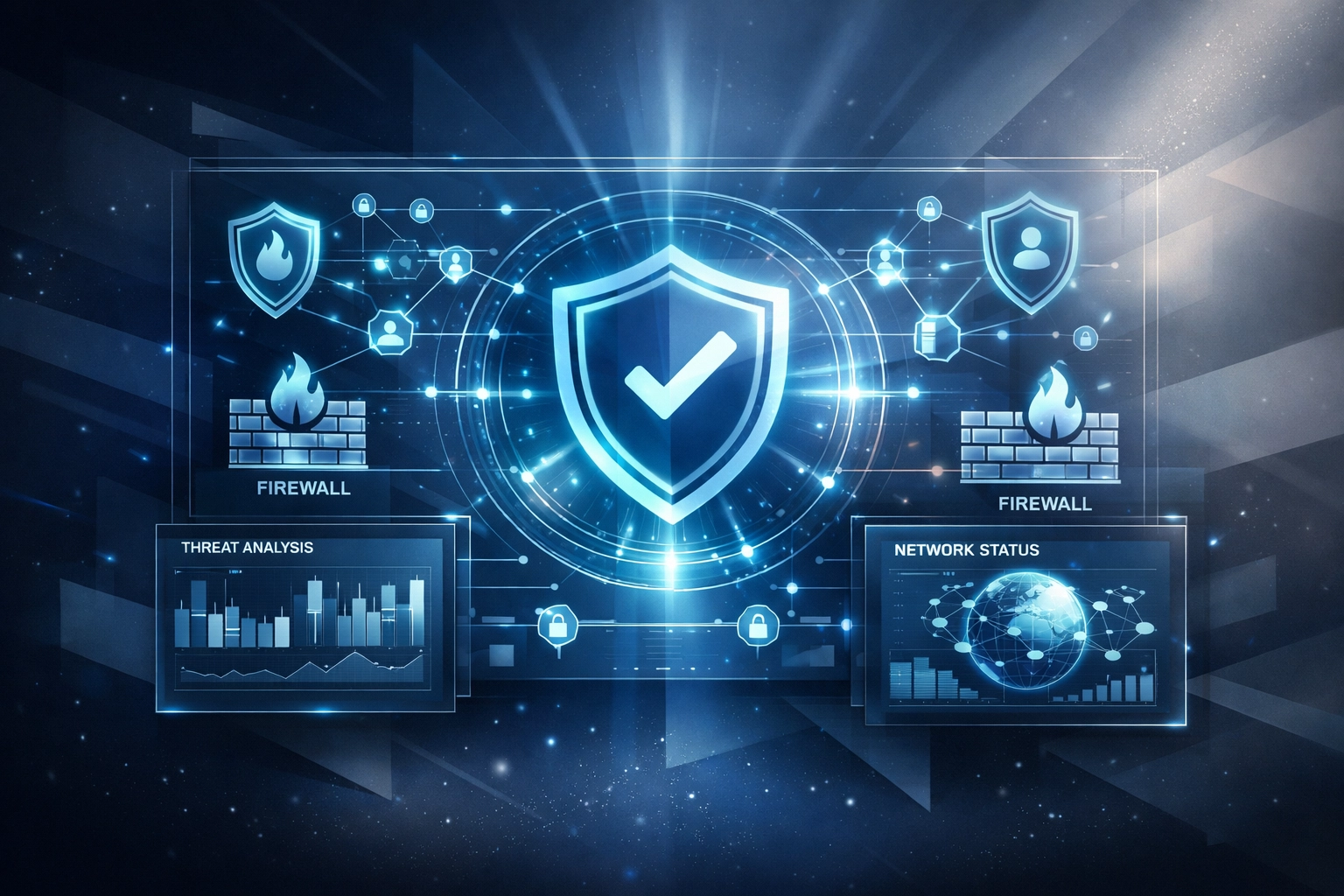
Firewall configuration and management. Not just installation. Active monitoring and rule updates.
Vulnerability scanning and patch management. Automated detection. Scheduled deployment. Emergency patching protocols.
Intrusion detection and prevention systems. Real-time monitoring. Threat intelligence integration.
Endpoint protection across all devices. Antivirus. Anti-malware. Behavioral analysis.
Email security filtering. Spam blocking. Phishing detection. Attachment scanning.
Red flags:
"We can add security services for an additional fee."
Security treated as premium add-ons rather than baseline requirements.
Vague answers about "industry-standard protection" without specifics.
No mention of proactive monitoring or threat detection.
Why this matters:
Security cannot be bolted on after the fact.
Providers who separate basic IT support from security fundamentals don't understand modern threat landscapes.
Every business needs these components. They belong in standard service agreements.
Question 2: How Do You Monitor and Test Our Backups?
Backup monitoring separates functional IT providers from liability risks.
What to listen for:
Daily automated backup verification. Not just completion logs. Actual data integrity checks.
Regular restore testing. Monthly or quarterly full restore drills. Documentation of successful recoveries.
Multiple backup locations. On-site. Off-site. Cloud. The 3-2-1 rule minimum.
Immutable backup copies. Protection against ransomware encryption. Air-gapped or write-once storage.
Backup failure alerts with escalation procedures. Immediate notification. Root cause analysis. Remediation within hours.
Defined recovery time objectives (RTO) and recovery point objectives (RPO). Specific commitments. Not "as fast as possible."
Red flags:
"We run backups nightly and check the logs."
No mention of restore testing or verification beyond completion status.
Single backup location or method.
Unclear accountability when backup failures occur.
Why this matters:
Untested backups are not backups.
We see it repeatedly. Businesses discover backup failures during ransomware recovery attempts. Too late to fix.
Serious providers treat backup monitoring as critical infrastructure. They test restores regularly. They document everything.
Question 3: What Are Your Documented Response Times for Different Issue Severities?
Response time commitments reveal operational maturity and accountability.
What to listen for:
Tiered severity definitions. Critical. High. Medium. Low. Clear criteria for each tier.
Specific response timeframes. Not "business hours" or "as soon as possible." Actual numbers.
- Critical (complete system outage, security breach): 15-30 minutes
- High (significant service degradation, multiple users affected): 1-2 hours
- Medium (single user issues, non-urgent security updates): 4-8 hours
- Low (enhancement requests, general questions): 24-48 hours
After-hours support protocols. Escalation procedures. Emergency contact methods.
Service level agreements (SLAs) with documented consequences for missed targets.

Red flags:
"We respond as quickly as we can."
No written SLA or severity tier structure.
All issues treated the same regardless of business impact.
Response times that only cover standard business hours.
Why this matters:
Without defined response times, providers control the urgency definition.
Your critical outage becomes their "we'll get to it when we can."
Documentation creates accountability. Serious providers measure and report against these commitments.
Question 4: What Proactive Maintenance Do You Perform, and How Do You Document It?
Proactive maintenance prevents problems. Reactive support responds to them.
What to listen for:
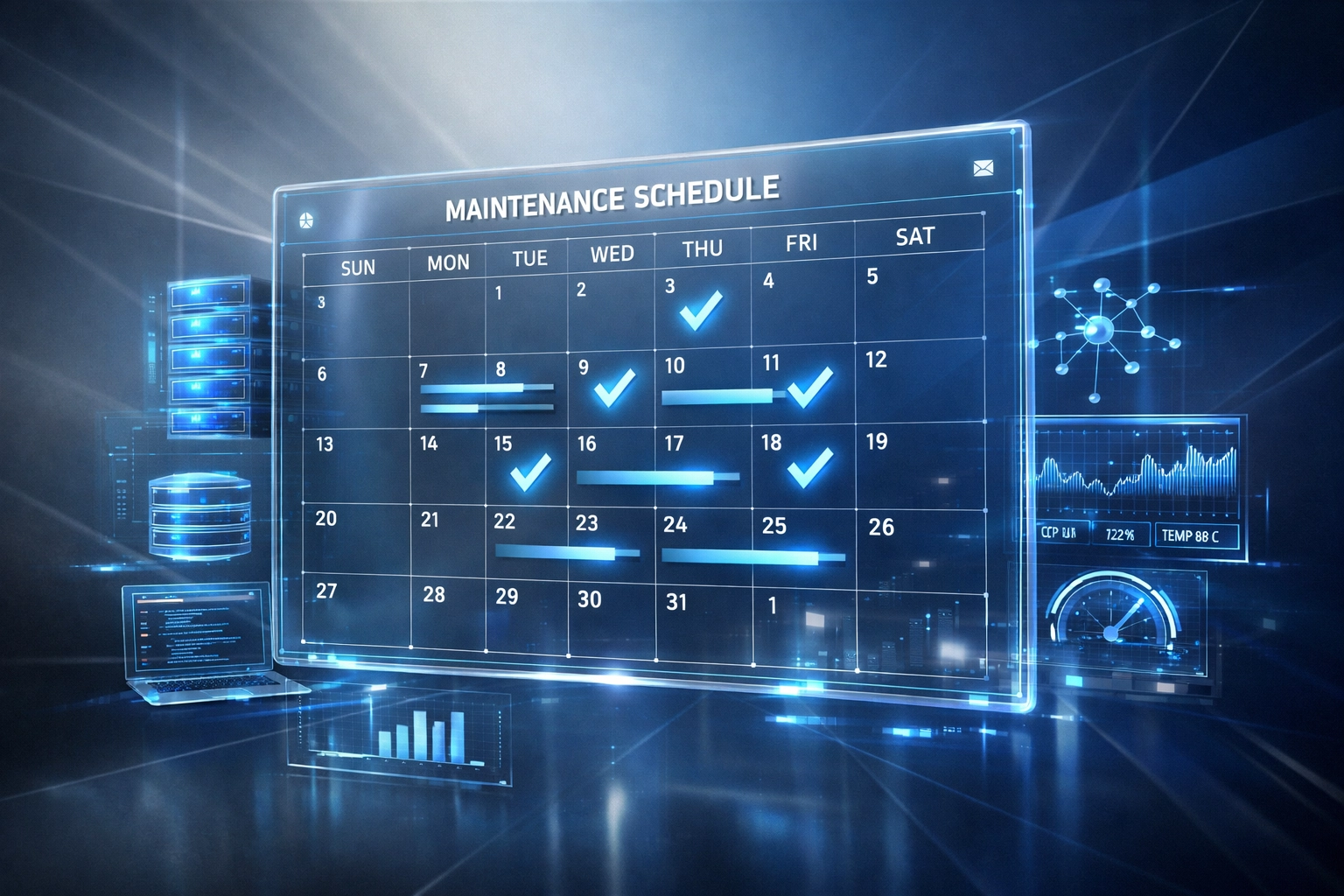
Regular system health checks. Weekly or monthly. CPU utilization. Memory usage. Disk space. Network performance.
Automated patch management with testing protocols. Security patches within 48-72 hours. Feature updates on controlled schedules.
Firmware updates for network equipment. Scheduled maintenance windows. Change control processes.
Software license management and renewal tracking. Advance notification before expirations.
Capacity planning and performance trend analysis. Identifying issues before they impact operations.
Monthly reporting on maintenance activities performed. What was done. When. Why. What's recommended next.
Red flags:
Focus entirely on "break-fix" support model.
No mention of monitoring or maintenance between your support calls.
Updates only happen when you request them or problems occur.
No documentation or reporting of proactive work.

Why this matters:
Reactive IT is expensive IT.
Unpatched systems become entry points. Ignored warnings become outages. Deferred maintenance becomes emergency projects.
Serious providers work on your systems when nothing is broken. They prevent fires rather than just fighting them.
Question 5: Describe Your Security Incident Response Plan
Every business experiences security incidents.
The question is whether your provider knows what to do when it happens.
What to listen for:
Written incident response plan. Detection. Containment. Eradication. Recovery. Post-incident analysis.
24/7/365 security monitoring with immediate escalation procedures. Not business hours only. Threats don't wait for Monday morning.
Defined roles and responsibilities during incidents. Who does what. Communication protocols. Decision authority.
Forensic capabilities or third-party partnerships. Investigation tools. Evidence preservation. Root cause analysis.
Client notification procedures and timelines. When you're informed. How communication happens. Transparency commitments.
Insurance and liability coverage specific to security incidents.
Regular tabletop exercises or simulation testing. Practice runs. Process refinement.
Red flags:
"We'll figure it out if something happens."
No documented plan or procedures.
Security monitoring only during business hours.
Unclear about who handles what during an actual incident.
No mention of communication protocols or client involvement.
Why this matters:
Security incidents require immediate, coordinated response.
Confusion and delays during the first hours determine whether an incident becomes a minor event or a business-disrupting breach.
Providers without documented plans are experimenting during your emergency.
The Checklist
Use this when evaluating IT providers:
Security Fundamentals
- Firewall management included in base service
- Automated vulnerability scanning and patching
- Endpoint protection on all devices
- Email security filtering
- Intrusion detection and prevention
Backup and Recovery
- Daily automated backup verification
- Regular restore testing with documentation
- Multiple backup locations (3-2-1 rule minimum)
- Immutable/air-gapped backup copies
- Defined RTO and RPO commitments
Response and Support
- Written SLA with tiered severity levels
- Specific response time commitments
- After-hours emergency support
- Documented escalation procedures
Proactive Maintenance
- Regular system health monitoring
- Scheduled patch management
- Performance trend analysis
- Monthly maintenance reporting
- Capacity planning
Incident Response
- Written security incident response plan
- 24/7/365 security monitoring
- Clear roles and communication protocols
- Forensic capabilities or partnerships
- Client notification procedures
What Serious Providers Sound Like
They provide specifics without hesitation.
They reference written documentation you can review.
They explain accountability measures and reporting.
They discuss security as integrated into everything they do.
They acknowledge that incidents will occur and detail their response protocols.
What to Do Next
Request written answers to these questions.
Generic responses indicate generic service.
If a provider cannot articulate clear processes for security, backups, response times, maintenance, and incident response, they're not equipped to protect your business.
The questions reveal what matters: preparation, documentation, accountability, and operational maturity.
Choose providers who treat security as foundational infrastructure rather than optional services.
Your business depends on it.