
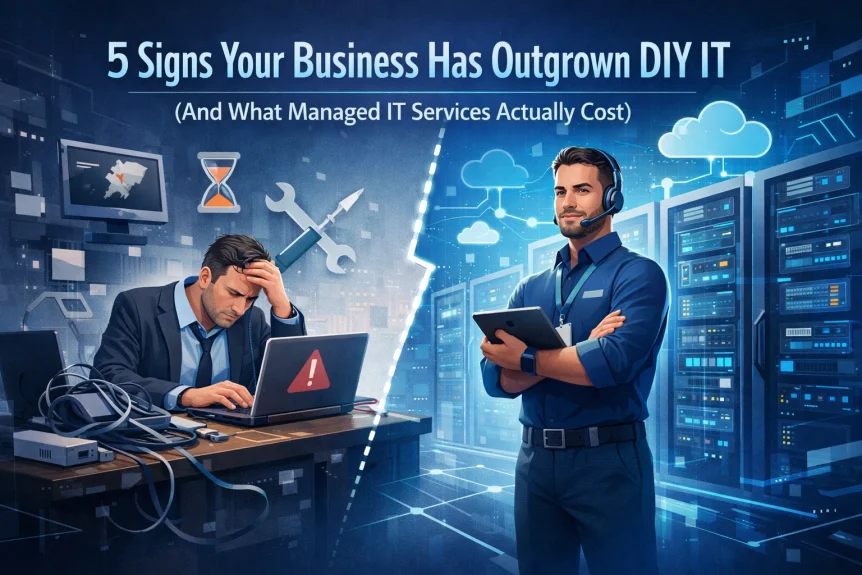
Most businesses start with DIY IT.
One tech-savvy employee handles password resets. Someone's nephew sets up the router. The owner Googles solutions at midnight when systems go down.
This works initially.
But growth changes everything.
What once saved money now costs more through downtime, security gaps, and productivity loss. The question isn't whether to invest in professional IT support: it's recognizing when you've already crossed that threshold.
Here are five concrete indicators your business has outgrown the DIY approach.
Sign 1: IT Issues Interrupt Work Daily
Technical problems occur in every business.
The difference is frequency and impact.
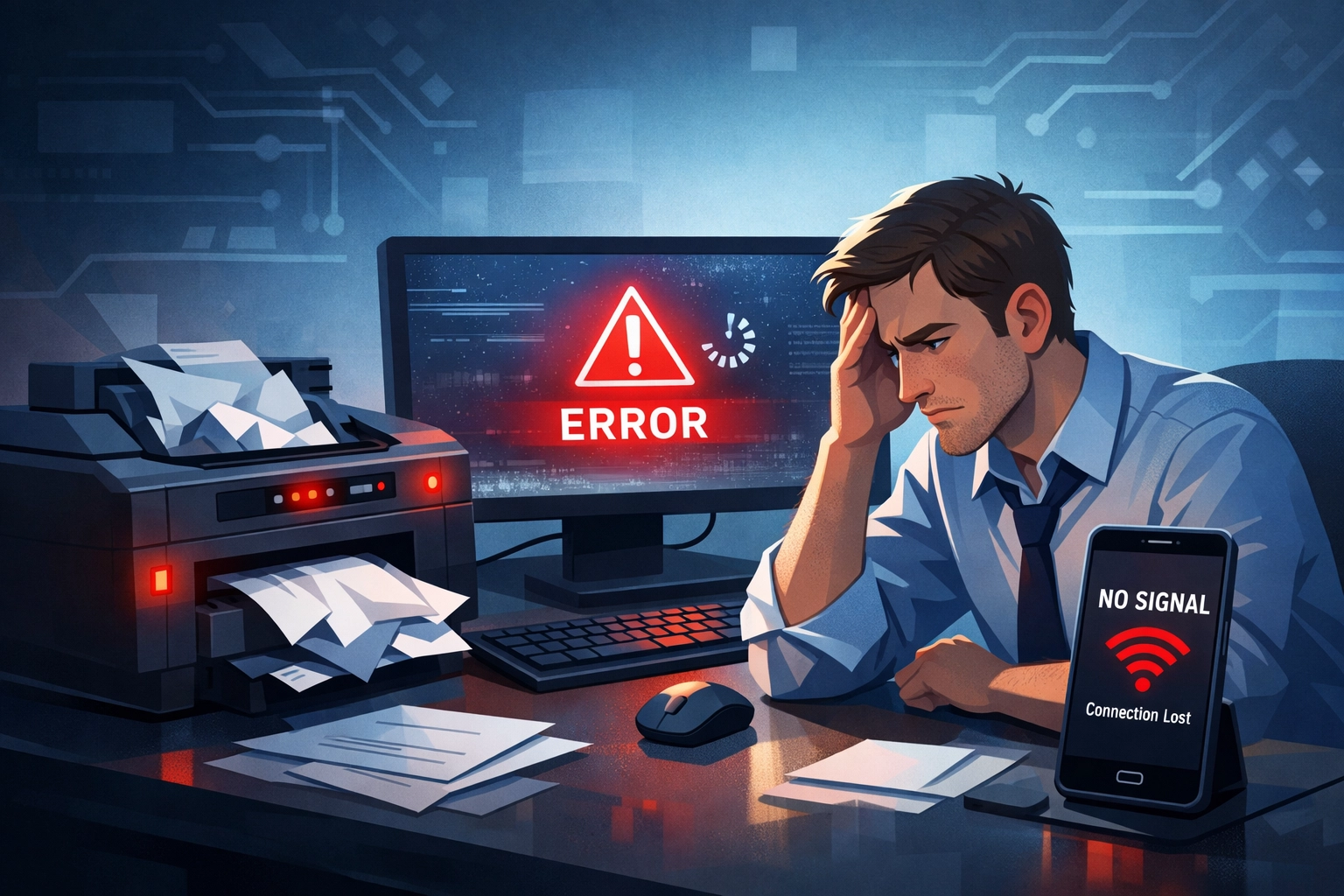
Your team spends 20 minutes troubleshooting the printer before a client meeting. Email stops working and three people lose an afternoon. The office network drops randomly throughout the day.
These interruptions accumulate.
A 2024 productivity study found employees lose an average of 2.3 hours per week to technology issues in businesses without dedicated IT support. Multiply that across your team. Calculate the cost.
Your staff was hired for their expertise: sales, operations, customer service. Not to diagnose why the shared drive won't connect or why software keeps freezing.
When employees regularly interrupt their work to handle IT problems, you're paying professional salaries for amateur tech support.
Sign 2: One Person Controls Your Entire IT Infrastructure
The scenario is common.
One employee "knows computers" and becomes the unofficial IT department. Or you've hired a contractor who handles everything remotely. Maybe the owner still manages all technology decisions.
Single points of failure create critical vulnerabilities.
What happens when this person takes vacation? Gets sick? Accepts another job offer? Your operations grind to a halt because one individual holds all system knowledge, passwords, and vendor relationships.
This arrangement also limits growth.
One person cannot provide 24/7 monitoring. They cannot specialize in cybersecurity, cloud architecture, network management, and backup systems simultaneously. They cannot scale with your business.
Professional managed IT services distribute expertise across a team. Multiple technicians understand your environment. Redundancy is built into the support model.
Sign 3: No Strategic IT Planning Exists

Examine your current IT setup honestly.
Was it designed with intention or did it evolve through reactive decisions? Did you develop a three-year technology roadmap aligned with business goals?
Most SMBs operate without IT strategy.
Equipment is purchased when old systems fail. Software is added when someone finds a tool online. Security measures are implemented after a breach scare.
This reactive approach costs more and delivers less.
Technology should support business objectives: improving efficiency, enabling growth, protecting assets. Without strategic planning, IT becomes an expense rather than an investment.
Managed IT services include strategic technology planning. Regular reviews assess whether current infrastructure supports business direction. Planned upgrades prevent crisis spending. Budgets become predictable.
Sign 4: True IT Costs Are Hidden and Rising
DIY IT appears inexpensive on paper.
You're not paying monthly service fees. Equipment purchases happen occasionally. The "IT person" has other job responsibilities.
But actual costs hide in other areas.
Lost revenue from downtime. Productivity drain from slow systems. Security breaches. Emergency contractor fees at premium rates. Staff time spent on technical issues instead of billable work.
A manufacturing client calculated their true IT costs before switching to managed services. They tracked:
- 47 hours per month of staff time on IT issues
- Three major system outages costing $12,000 in lost production
- $8,500 in emergency support calls
- Hardware failures requiring rushed replacements
Their "cheap" DIY IT cost $47,000 annually in hidden expenses.
Managed services provided predictable monthly costs, eliminated emergency spending, and reduced downtime to near zero. Total first-year savings exceeded $18,000.
Sign 5: Support Availability Doesn't Match Business Needs

Your network goes down at 4:30 PM on Friday.
Who do you call?
The IT contractor doesn't answer after hours. The employee who "handles IT stuff" left for vacation. You're searching online forums for solutions while business operations stop.
Growing businesses cannot afford support gaps.
Remote work requires reliable connectivity. E-commerce operates 24/7. Client commitments depend on system availability. Response time directly impacts revenue.
Professional managed IT services include:
- Guaranteed response times
- Escalation procedures
- After-hours support
- Multiple contact channels
- Proactive monitoring that prevents issues before they impact operations
Support becomes infrastructure rather than emergency response.
What Managed IT Services Actually Cost
Pricing transparency matters.
Most managed service providers structure pricing around three factors: number of users, devices under management, and service scope.
Typical pricing models:
Per-user pricing: $100-200 per user monthly. Includes endpoint management, help desk support, security monitoring, and cloud services. Works well for businesses with consistent headcount.
Per-device pricing: $75-150 per device monthly. Covers servers, workstations, networking equipment. Better for businesses with more devices than users or specialized equipment.
Tiered packages: Entry-level monitoring ($50-100 per user), comprehensive managed services ($150-250 per user), or premium with 24/7 support ($250-350 per user).
What's included varies significantly:
Basic packages typically cover help desk support, patch management, and basic monitoring. Mid-tier adds security services, backup management, and strategic planning. Premium includes full cybersecurity, 24/7 support, and dedicated account management.
Real numbers for context:
- 10-person office: $1,500-2,500 monthly
- 25-person business: $3,000-5,500 monthly
- 50-employee company: $6,000-10,000 monthly
These costs replace multiple expense categories: emergency IT support, software licenses, security tools, backup solutions, monitoring systems, and staff time spent on technology issues.
Compare against current spending:
Calculate your actual DIY IT costs. Include hardware, software, staff time, contractor fees, downtime, and security risks. Most businesses find managed services cost less than their hidden DIY expenses while delivering significantly better outcomes.
The Break-Even Point

Most businesses reach break-even between 8-15 employees.
Below this threshold, DIY IT with occasional contractor support may suffice. Above it, managed services become more cost-effective and operationally necessary.
But employee count isn't the only factor.
Industry matters. Healthcare and financial services require stronger security and compliance support. Businesses handling sensitive data need enterprise-grade protection regardless of size.
Technology dependence matters. If system downtime directly stops revenue, you cannot afford reactive support. An e-commerce business with 5 employees needs better IT infrastructure than a consulting firm with 30.
Growth trajectory matters. Scaling from 10 to 50 employees requires technology that supports expansion. Building proper infrastructure during growth is easier than retrofitting later.
Making the Transition
Switching from DIY to managed IT services follows a clear process.
Assessment occurs first. The provider evaluates current infrastructure, identifies gaps, documents systems, and develops a transition plan.
Onboarding happens gradually. Critical systems migrate first. Staff receives training. Documentation is created. Monitoring tools are deployed.
Ongoing management begins once transition completes. Regular maintenance prevents issues. Security monitoring protects assets. Strategic planning aligns technology with business goals.
Most transitions complete within 30-60 days.
Taking Action
If three or more signs apply to your business, schedule an IT infrastructure assessment.
Professional evaluation identifies specific gaps, calculates true current costs, and provides accurate pricing for your situation.
No obligation exists during assessment. The goal is clarity about whether managed services make financial and operational sense for your business.
Contact X-Tek Support at 815-516-8075 to discuss your current IT challenges and explore whether managed services align with your business needs.
Have Questions? We provide detailed information about services, pricing, and how managed IT support works for businesses similar to yours.
Technology should drive business growth, not create obstacles. If your current IT approach causes more problems than it solves, the cost of continuing exceeds the investment in professional support.