
Most small business networks fail at the basics.
Default passwords stay unchanged. Encryption sits disabled. Guest devices connect directly to accounting systems.
This stops now.
Step 1: Change Default Router Credentials
Factory settings are public knowledge.
Default admin usernames and passwords are published online. Hackers scan networks looking for equipment still using manufacturer credentials.
Required actions:
- Change administrator username and password immediately
- Use complex password (minimum 16 characters)
- Store credentials in password manager
- Disable remote management unless specifically needed
- Log out of admin panel after configuration
Router firmware requires regular updates.
Enable automatic updates if available. Sign up for manufacturer security alerts. Check quarterly at minimum.
Security patches address vulnerabilities. Outdated firmware creates entry points.
Step 2: Configure Wireless Encryption
Unencrypted Wi-Fi broadcasts data in plain text.
Anyone within range can intercept traffic. Passwords. Emails. Financial data. All visible.
Encryption protocol hierarchy:
WPA3 is current standard. Use if router supports it.
WPA2 remains acceptable for older equipment. Still secure when properly configured.
WPA and WEP are obsolete. Replace equipment if these are only options.
Encryption scrambles wireless signals. Makes interception useless without decryption key.
Configuration steps:
- Access router admin panel
- Navigate to wireless security settings
- Select WPA3 or WPA2
- Set strong network password (separate from admin password)
- Apply changes across all access points
Hidden SSID provides minimal additional security. Not worth the connectivity complications.
Step 3: Separate Networks by Function
Single network architecture creates containment problems.
Breach in one area spreads everywhere. Visitor device compromises accounting system. Contractor laptop accesses customer database.
Guest network setup:
Mandatory for any business allowing visitor Wi-Fi access.
Guest network provides internet only. No access to internal resources. No visibility to business devices.
Enable on router. Most business-grade equipment includes this feature standard.
VLAN implementation:

Virtual Local Area Networks segment traffic without physical separation.
Example structure:
- VLAN 10: Executive and finance systems
- VLAN 20: General employee devices
- VLAN 30: Point-of-sale and customer-facing equipment
- VLAN 40: Guest and contractor access
VLANs require managed switches. Worth investment for businesses with 10+ employees or handling sensitive data.
Compromised device stays contained. Can't jump between VLANs without routing permissions.
Step 4: Deploy Firewall Protection
Firewalls filter network traffic.
Inspect packets. Block unauthorized access attempts. Log suspicious activity.
Router firewall:
Enable built-in firewall functionality. Located in router security settings.
Default configuration sufficient for most small businesses. Blocks incoming unsolicited connections.
Advanced firewall features:
- Intrusion Detection System (IDS): Monitors for attack patterns
- Intrusion Prevention System (IPS): Actively blocks identified threats
- Application-level filtering: Controls specific services and protocols
These features available on business-grade routers and UTM (Unified Threat Management) devices.
Host-based firewalls:
Windows Firewall must be enabled on all workstations.
macOS firewall activated in System Preferences.

Don't rely solely on network firewall. Endpoint protection adds defense layer.
Configuration requires balance. Too restrictive blocks legitimate business applications. Too permissive allows threats through.
We configure firewalls based on business requirements. Specific rules for specific needs.
Step 5: Control Access and Authentication
Not everyone needs access to everything.
Principle of least privilege applies. Users get minimum permissions required for job function.
Device management:
Business network limited to authorized devices only.
Personal devices stay on guest network. BYOD policies require Mobile Device Management (MDM) solutions.
MAC address filtering provides basic device control. Not security feature alone but useful for inventory management.
Multi-factor authentication:
Password alone is insufficient.
MFA requires second verification factor. Code sent to phone. Biometric confirmation. Hardware token.
Implement on:
- Router admin access
- Cloud services and email
- Remote access connections (VPN)
- Administrative accounts
- Financial systems
MFA blocks 99.9% of automated credential attacks.
Password management:
Employee password habits remain weak without proper tools.
Password reuse across services. Simple patterns. Written on sticky notes.
Business-grade password managers solve this.
Generate complex unique passwords. Store encrypted. Auto-fill credentials. Employees remember one master password only.
Options include:
- 1Password Business
- Bitwarden Enterprise
- Keeper Business
- LastPass Teams
Requires organization-wide deployment and training. Non-negotiable for businesses handling customer data.
Authentication policies:
Set complexity requirements. Minimum 12 characters for standard users. 16+ for administrative accounts.
Enforce password expiration where compliance requires it. Current guidance suggests expiration without reason creates weak password patterns.
Account lockout after failed attempts. Prevents brute force attacks.

Testing and Validation
Configuration without testing is assumption.
Pre-deployment verification:
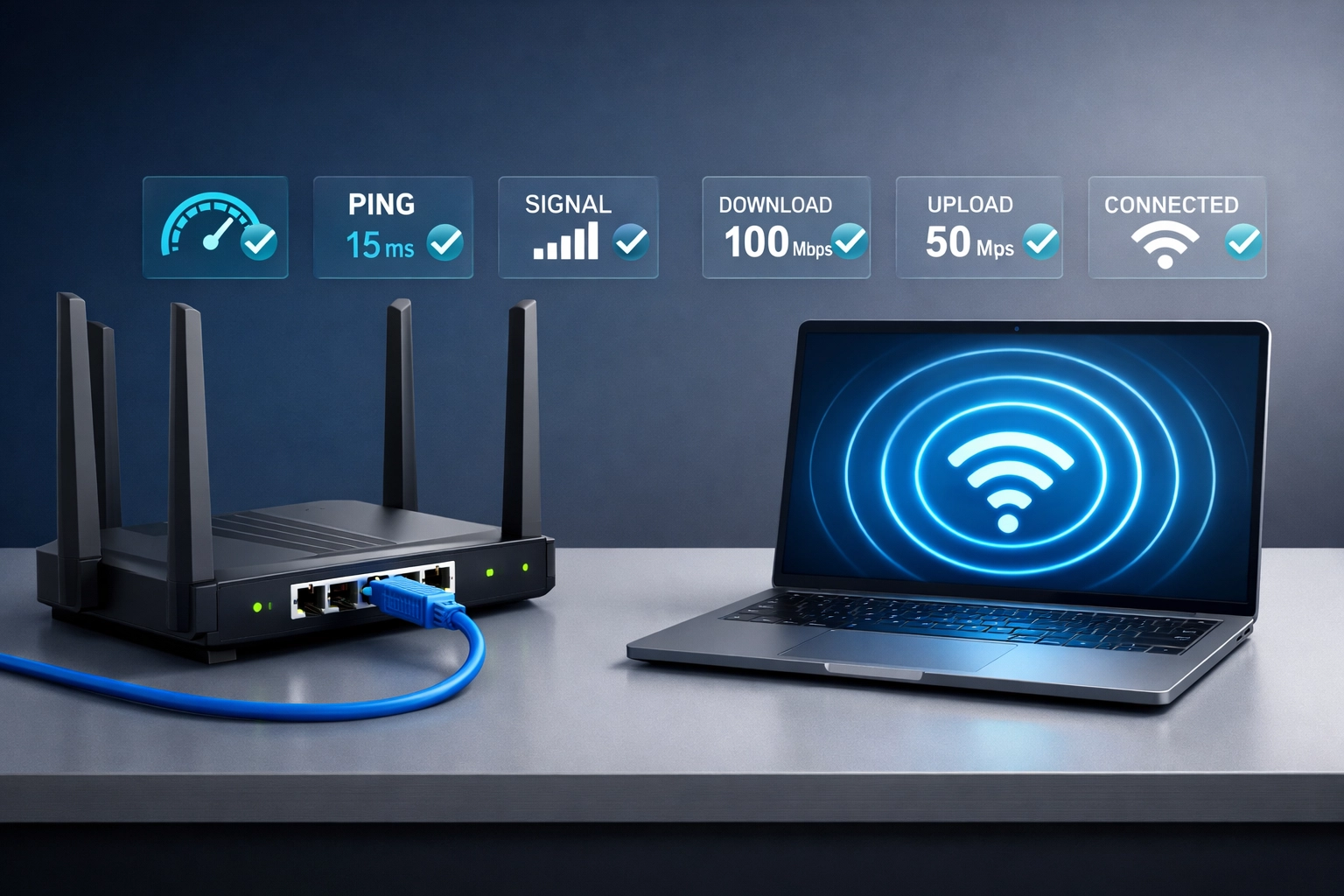
Connect wired device via Ethernet. Confirm internet access and internal resource availability.
Connect wireless device. Test same functionality.
Attempt to access restricted resources from guest network. Should fail.
Try connecting with invalid credentials. Should be blocked.
Ongoing monitoring:
Review router logs weekly. Look for:
- Failed authentication attempts
- Unusual traffic patterns
- Unknown devices
- Configuration changes
Set up admin alerts for security events if router supports them.
Network security isn't one-time setup. Requires continuous attention.
What Gets Missed
Common gaps in small business network security:
Forgotten devices:
Printers still use default passwords. IP cameras sit unsecured on main network. Old equipment never gets firmware updates.
Inventory all connected devices. Update everything. Segment IoT equipment to separate VLAN.
Shadow IT:
Employees install unauthorized services. Cloud storage syncing company data. Collaboration tools with weak security.
IT policy must address approved applications. Monitor for unauthorized services.
Backup neglect:
Network security without backup strategy is incomplete.
Ransomware encrypts files. Hardware fails. Configuration gets corrupted.
Automated backups. Tested restoration procedures. Off-site or cloud storage.
Implementation Order
Start with highest impact items.
Week 1: Change default credentials and enable encryption. Guest network setup.
Week 2: Firewall configuration. Windows Firewall verification on all devices.
Week 3: MFA deployment on critical services. Password manager rollout.
Week 4: VLAN implementation if applicable. Access control policies.
Ongoing: Monitoring and maintenance procedures.
Don't wait for security event to take action. Prevention costs less than remediation.
Professional Assessment
Network security complexity scales with business size and compliance requirements.
Five-person office needs different approach than 50-employee operation with remote workers and PCI-DSS obligations.
We perform network security assessments for businesses across Wisconsin.
Review current configuration. Identify vulnerabilities. Provide specific remediation steps.
Contact us at Click here for network security consultation.
Small network. Proper security. Actually achievable.