
It happens.
Employee clicks a link. Realizes immediately something's wrong. Panic sets in.
Don't panic. Follow the protocol.
First Five Minutes: What You Do
Stop.
Do not click anything else in that email.
Do not forward it to colleagues to ask "is this real?"
Do not try to investigate further.
Report immediately.
Your IT team needs to know right now. Not in an hour. Not tomorrow morning.
Most organizations have a specific reporting channel:
- Dedicated security email address
- Report button in email client
- Security awareness platform
- Direct IT contact number
Use it.
Every minute counts for containment.
Secure your credentials.
If you entered a password or personal information, assume it's compromised.
Change your password immediately. Use a different device if possible.
Enable multi-factor authentication if you haven't already.
Log out of all active sessions on all devices.
Document what happened.
Your IT team will need specifics:
- Time you clicked the link
- What you clicked on
- Whether you entered credentials
- What information you provided
- Any unusual behavior after clicking
Write it down while fresh in your memory.
What Happens Next: IT Response
Once reported, your IT team activates incident response procedures.
This is where network security monitoring becomes critical.
Immediate containment actions:
Block the phishing URL at the firewall level.
Block sender's email address across the organization.
Identify all employees who received the same email.
Remove the malicious email from all inboxes organization-wide.
Isolate your account to prevent lateral movement.

Account security measures:
Force password reset on compromised account.
Terminate all active sessions immediately.
Enable MFA requirement before re-access.
Review account permissions and access levels.
Monitor for suspicious authentication attempts.
Damage assessment:
Network security monitoring tools scan for:
- Unauthorized access attempts
- Data exfiltration activity
- Malware installation or execution
- Credential use from unusual locations
- API calls or automated access patterns
IT reviews sent items from your account during the compromised window.
External recipients who received emails from your account are notified.
System logs are analyzed for persistent access mechanisms.
The Network Security Monitoring Layer
This is what's happening behind the scenes.
Security Information and Event Management (SIEM) systems correlate activity across your network.
Endpoint detection tools monitor device behavior for anomalies.
Email security gateways track phishing campaign patterns.
Identity and access management systems flag unusual authentication events.
Real-time monitoring detects:
Login attempts from impossible geographic locations.
Multiple failed authentication attempts.
Unusual file access patterns.
Data transfers to external domains.
Privilege escalation attempts.
Application behavior that doesn't match user baselines.

Network security monitoring isn't just reactive. It's predictive.
Advanced systems use behavioral analytics to identify compromised accounts before significant damage occurs.
The faster detection happens, the smaller the blast radius.
Communication Protocol
What you'll be told:
Status updates at regular intervals.
When your account is secured and safe to access.
Whether additional action is required.
Steps to prevent future incidents.
What you won't be told immediately:
Full scope of the incident while investigation continues.
Details about other affected users (privacy protection).
Specific technical containment measures (operational security).
This is normal incident response practice.
Your IT team balances transparency with operational security.
Recovery and Re-Access
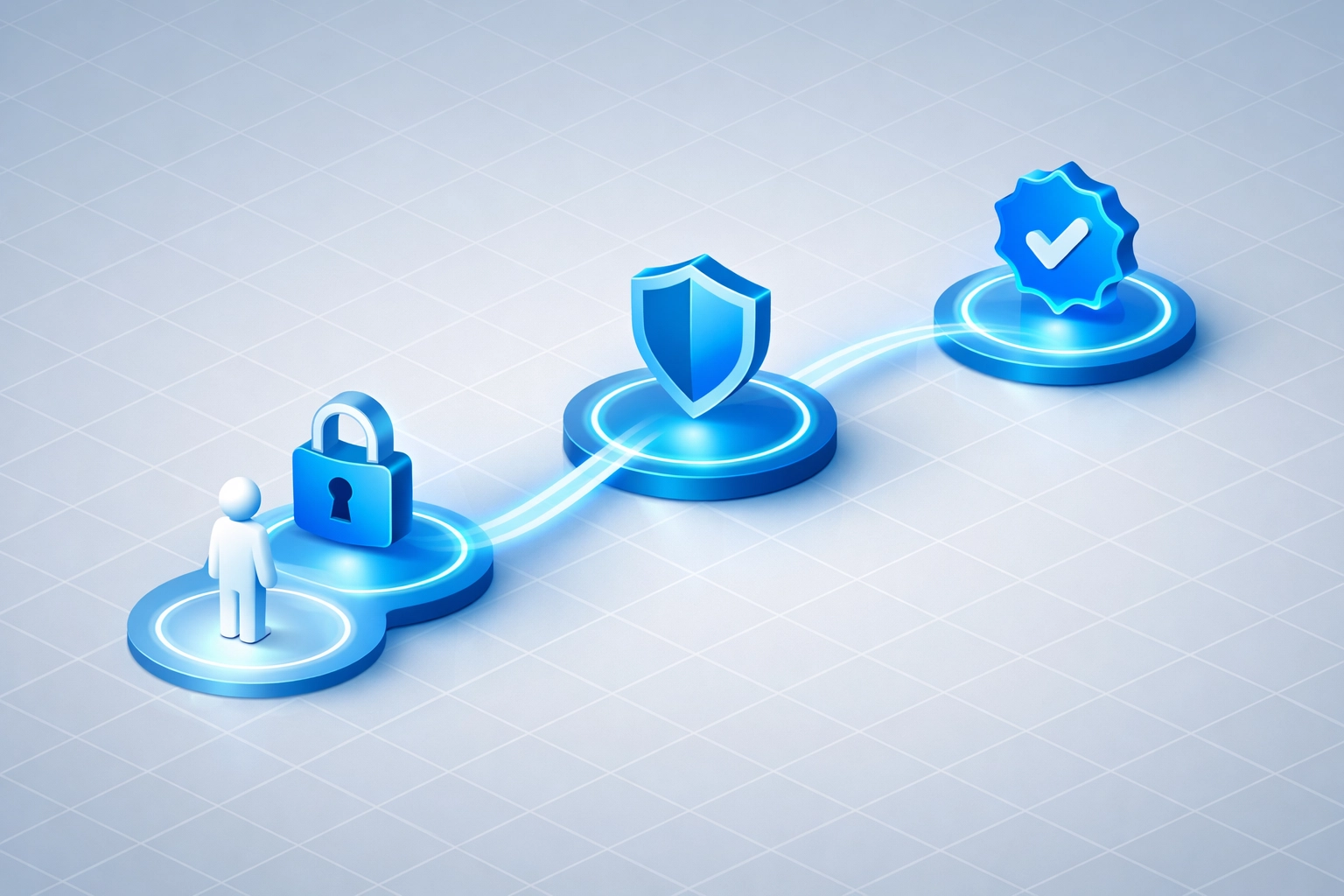
Account restoration happens in stages.
Stage 1: Containment verified.
No ongoing malicious activity detected.
Attacker access points closed.
Compromised credentials invalidated.
Stage 2: Security hardening.
New strong password set.
MFA enabled and verified.
Account permissions reviewed and adjusted.
Security awareness training scheduled.
Stage 3: Monitored re-access.
Account reactivated with enhanced monitoring.
Unusual activity triggers immediate review.
Gradual return to normal monitoring levels.
Time from incident to full recovery varies.
Simple credential phishing: hours.
Malware installation or data exfiltration: days to weeks.
Your IT team determines appropriate timeline based on threat assessment.
What This Means for Your Organization
One employee clicking one link shouldn't cripple operations.
That's why network security monitoring exists.
Layered defense architecture:
Email filtering catches most threats before delivery.
User awareness training reduces click-through rates.
Multi-factor authentication prevents credential misuse.
Network monitoring detects post-compromise activity.
Incident response limits damage when breaches occur.
No single layer is perfect.
The combination creates resilience.
Prevention for Next Time
Email red flags to recognize:
Unexpected urgency or threats.
Sender address that doesn't match displayed name.
Generic greetings instead of your name.
Requests for credentials or sensitive information.
Links that don't match expected destination on hover.
Attachments you weren't expecting.
Grammar or spelling errors in professional contexts.
When in doubt:
Don't click.
Contact the supposed sender through a known-good channel.
Report to IT for verification.
Better to report 10 false alarms than miss one real threat.

The Bottom Line
Clicking a phishing link isn't a career-ending mistake.
It's a security incident with established response protocols.
Report immediately.
Follow IT guidance.
Learn from the experience.
Network security monitoring systems are designed for exactly this scenario.
The goal isn't to create a blame culture.
The goal is rapid containment and recovery.
Your organization's security posture depends on employees reporting incidents without fear.
Fast reporting enables fast response.
Fast response minimizes damage.
Moving Forward
Review your organization's incident response procedures.
Know the reporting channel before you need it.
Understand what information IT needs from you.
Participate in security awareness training.
Enable MFA on all accounts where available.
Questions about your organization's network security monitoring capabilities?
We help businesses implement comprehensive security monitoring and incident response protocols.
Have Questions? Contact us at 815-516-8075 or request more information.