
Current State
Help desk services are not dead.
They are transforming.
The traditional break-fix model is obsolete. Reactive ticket-fixing does not meet 2026 business requirements.
Modern IT support has shifted from answering phones to preventing problems.
The Numbers
Organizations average four hours of downtime monthly.
Large businesses lose $100,000 per hour during outages.
Small businesses lose proportionally less but cannot absorb the impact.
88% of customers rate support experience equal to product quality.
IT performance directly affects revenue retention.

Market Reality
Global help desk outsourcing market reached $10 billion in 2024.
Projected to hit $18.3 billion by 2033.
50-65% of organizations currently outsource help desk functions.
91% plan to maintain or increase outsourcing levels.
The market is expanding. Not contracting.
What Changed
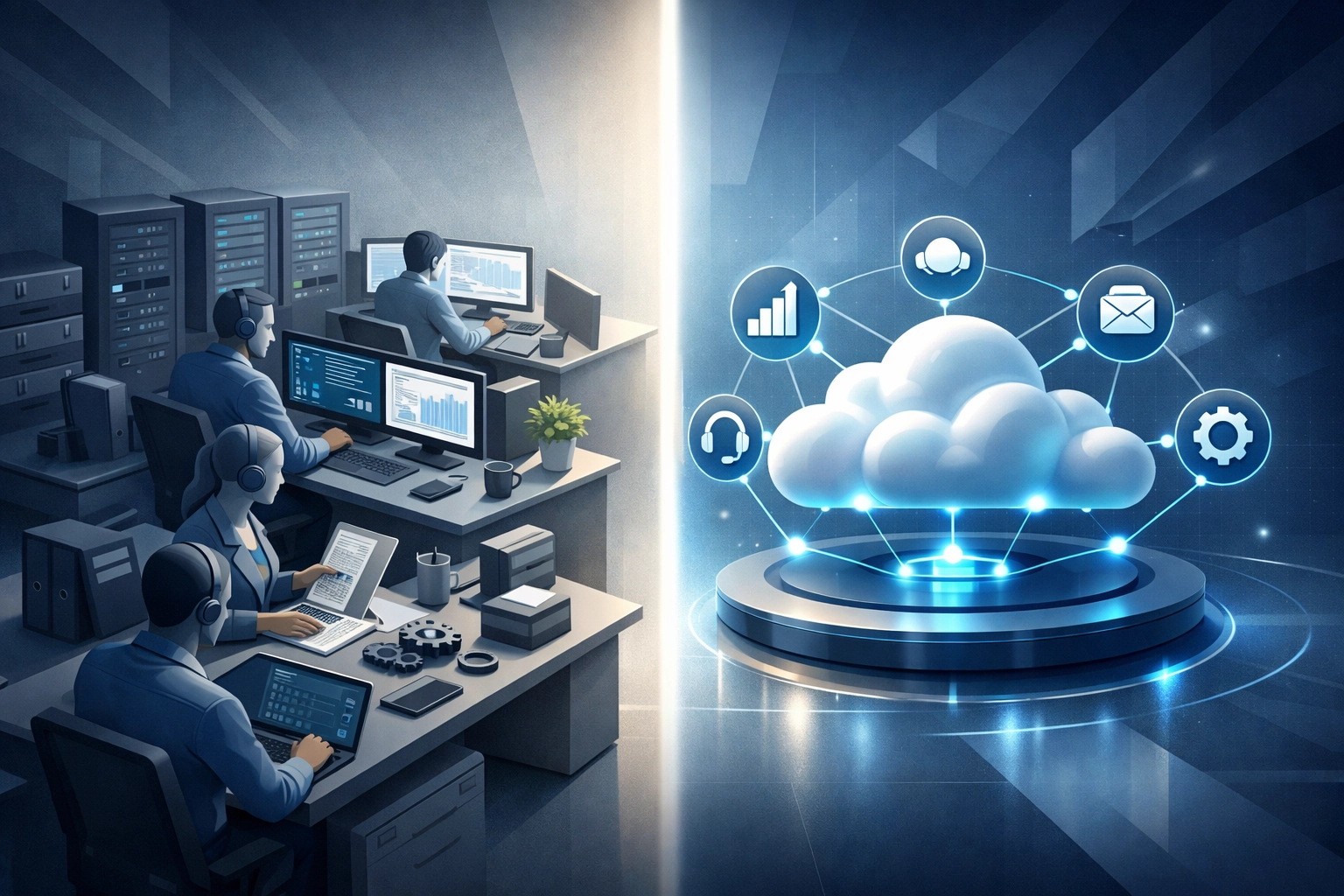
Traditional Model:
- Wait for tickets
- Fix what breaks
- Measure response time
- Staff during business hours
2026 Model:
- Prevent issues before tickets
- Monitor systems continuously
- Measure business impact
- Provide 24/7 coverage through automation
The difference is strategic positioning.
Help desk moved from cost center to business enabler.
What Small Businesses Actually Need
AI-Powered Self-Service
70% of employees prefer solving simple issues themselves.
Password resets. Software installations. Basic troubleshooting.
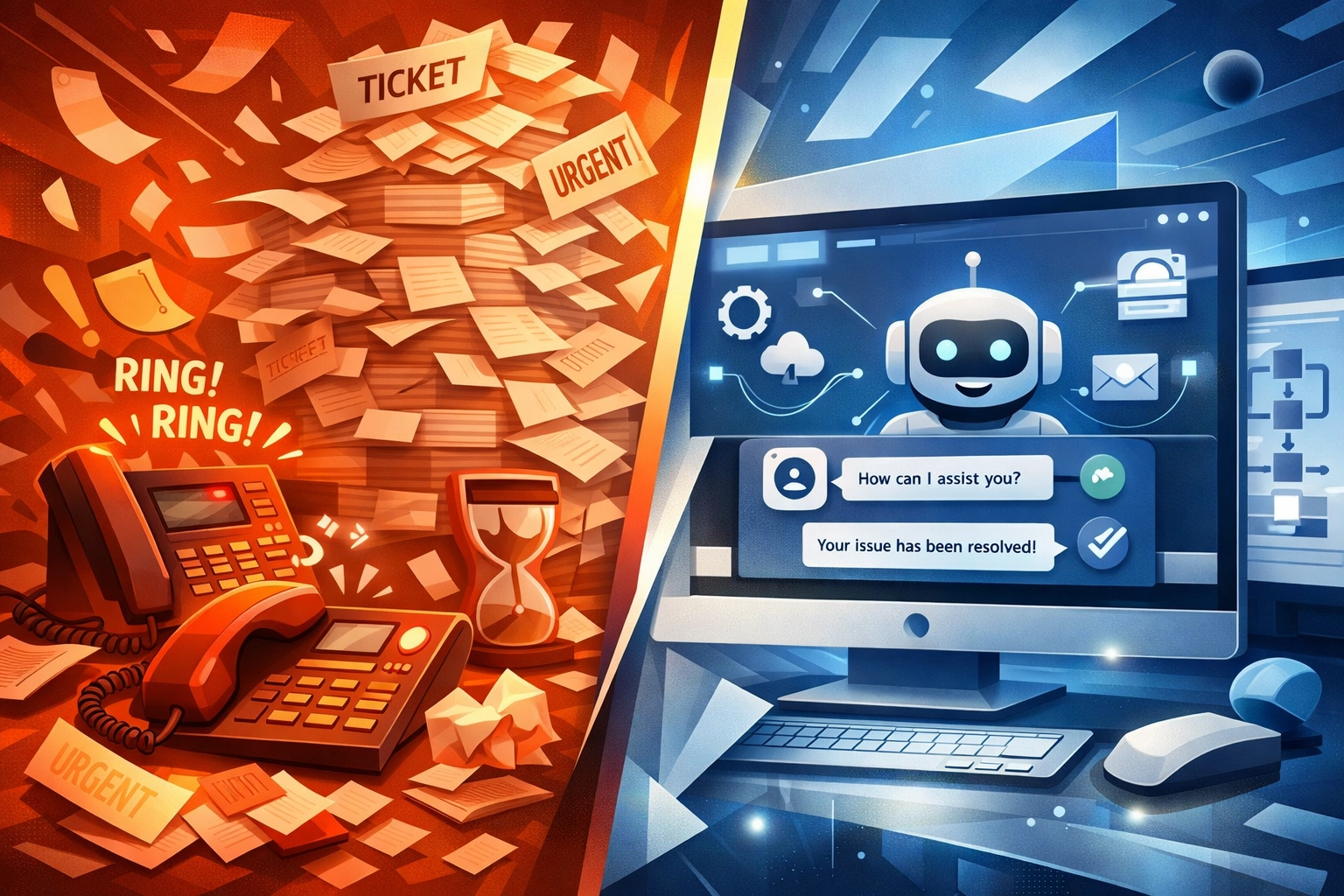
Virtual agents handle routine requests automatically.
AI-enhanced knowledge bases provide answers without human intervention.
This reduces ticket volume by 40-60% for organizations that implement it properly.
Faster Resolution Times
Service Level Agreements (SLAs) measured response time.
Experience Level Agreements (XLAs) measure business impact.
IT leaders now prioritize:
- Faster issue resolution
- Improved user experience
- Reduced operational disruption
Minutes matter. Hours are unacceptable.
Omnichannel Support Infrastructure
Requests arrive through multiple channels:
- Slack
- Microsoft Teams
- Support portals
- Phone
- SMS
Traditional ticketing systems cannot unify these streams.
Modern platforms consolidate all channels into single structured workflows.
Support staff see complete context regardless of submission method.
Proactive Monitoring
Reactive support waits for problems.
Proactive monitoring detects issues before users notice.
System health checks. Performance baselines. Anomaly detection.
Problems are identified and resolved during non-business hours.
Users experience fewer interruptions.

Security Integration
Help desk tickets often reveal security incidents.
Unusual login attempts. Suspicious email reports. Access issues.
Modern IT support integrates with security operations.
Tickets trigger security reviews when appropriate.
This catches threats early.
Internal vs Outsourced
Small businesses face a decision.
Build internal IT capabilities or outsource to specialists.
Internal Help Desk Requirements
- Minimum two full-time staff for coverage
- Ticketing system licensing
- Remote monitoring tools
- Documentation platforms
- Training and certifications
- Backup coverage during PTO
Annual cost: $120,000-180,000 for small teams.
Outsourced Help Desk Benefits
- Immediate access to experienced technicians
- 24/7 coverage without additional staff
- Enterprise-grade tools included
- No training costs
- Predictable monthly pricing
- Scalable as business grows
Monthly cost: $150-300 per user for comprehensive support.
The math favors outsourcing for businesses under 50 employees.

What to Look For
Response Time Commitments
Critical issues: 15 minutes or less
High priority: 1 hour
Normal priority: 4 hours
Low priority: Next business day
These are standard benchmarks. Providers should meet or exceed them.
Technology Stack
Modern help desk providers use:
- Professional Service Automation (PSA) platforms
- Remote Monitoring and Management (RMM) tools
- AI-powered ticketing systems
- Security information integration
- Customer communication portals
Ask what tools they use. Verify they are current.
Proactive vs Reactive Ratio
Traditional help desks are 90% reactive.
Modern providers aim for 70% proactive, 30% reactive.
This means most issues are caught before users report them.
Request metrics on proactive issue resolution.
Documentation Standards
Every ticket should generate documentation.
Solutions are recorded. Patterns are identified. Knowledge bases are updated.
This reduces repeat issues and improves resolution speed.
Ask to see sample documentation.
Security Capabilities
Help desk staff should understand:
- Phishing identification
- Malware response procedures
- Access control protocols
- Incident escalation paths
- Compliance requirements
They are the first line of defense.
Common Mistakes
Choosing Based on Price Alone
Cheapest provider often delivers lowest quality.
Support delays cost more than provider fees.
Ignoring Response Time Guarantees
Providers without firm commitments will not prioritize your requests.
Accepting Business Hours Only Support
Problems occur outside 9-5.
After-hours coverage is essential.
No Regular Review Process
Monthly meetings review ticket trends, resolution times, and improvement opportunities.
Separating Help Desk from Overall IT Strategy
Support services should align with business goals and technology roadmap.
The 2026 Reality
Help desk services are more critical than ever.
The delivery model has changed.
Small businesses need:
- Faster response
- Proactive monitoring
- AI-powered automation
- Omnichannel support
- Security integration
Building this internally is expensive.
Outsourcing to qualified providers delivers enterprise capabilities at small business prices.
The question is not whether help desk services are needed.
The question is whether your current provider meets 2026 standards.
Next Steps
Evaluate current IT support capabilities against 2026 requirements.
Measure actual response times. Review proactive monitoring coverage. Assess security integration.
Identify gaps.
Compare internal costs to outsourced alternatives.
We provide comprehensive assessments for businesses evaluating their IT support structure.
Contact us to discuss your specific requirements and explore whether managed services align with your needs.
Category: blog