
Selecting a managed IT services provider determines your operational stability for years.
Wrong choice leads to downtime, security gaps, budget overruns.
Right choice delivers proactive support, predictable costs, scalable infrastructure.
This guide outlines selection criteria for small to medium-sized businesses evaluating managed service providers in 2026.
Define Your Primary IT Requirement
Different providers specialize in different areas.
Start by identifying your most pressing need.
Regulatory Compliance
Healthcare, financial services, legal firms require HIPAA, SOC 2, or industry-specific certifications.
Verify provider holds relevant compliance credentials.
Request documentation of audit trails and security protocols.
Cloud Migration and Management
Businesses moving to cloud infrastructure need providers experienced in AWS, Azure, or Google Cloud.
Look for DevOps capabilities and automation expertise.
Confirm provider manages hybrid environments if you maintain on-premises systems.
Cybersecurity and Threat Monitoring
Network security monitoring is non-negotiable in 2026.
Providers should offer 24/7 security operations center (SOC) services.
Verify they deploy endpoint detection and response (EDR) tools, not just antivirus.

VoIP and Communication Systems
Modern phone systems require dedicated expertise.
Some MSPs specialize in unified communications platforms.
Ask about integration with existing business applications.
Cost Reduction
If budget is primary concern, focus on providers offering bundled services.
All-inclusive monthly fees eliminate surprise charges.
Compare total cost of ownership, not just hourly rates.
Evaluate Service Level Agreements
SLA terms define what you actually receive.
Response Times
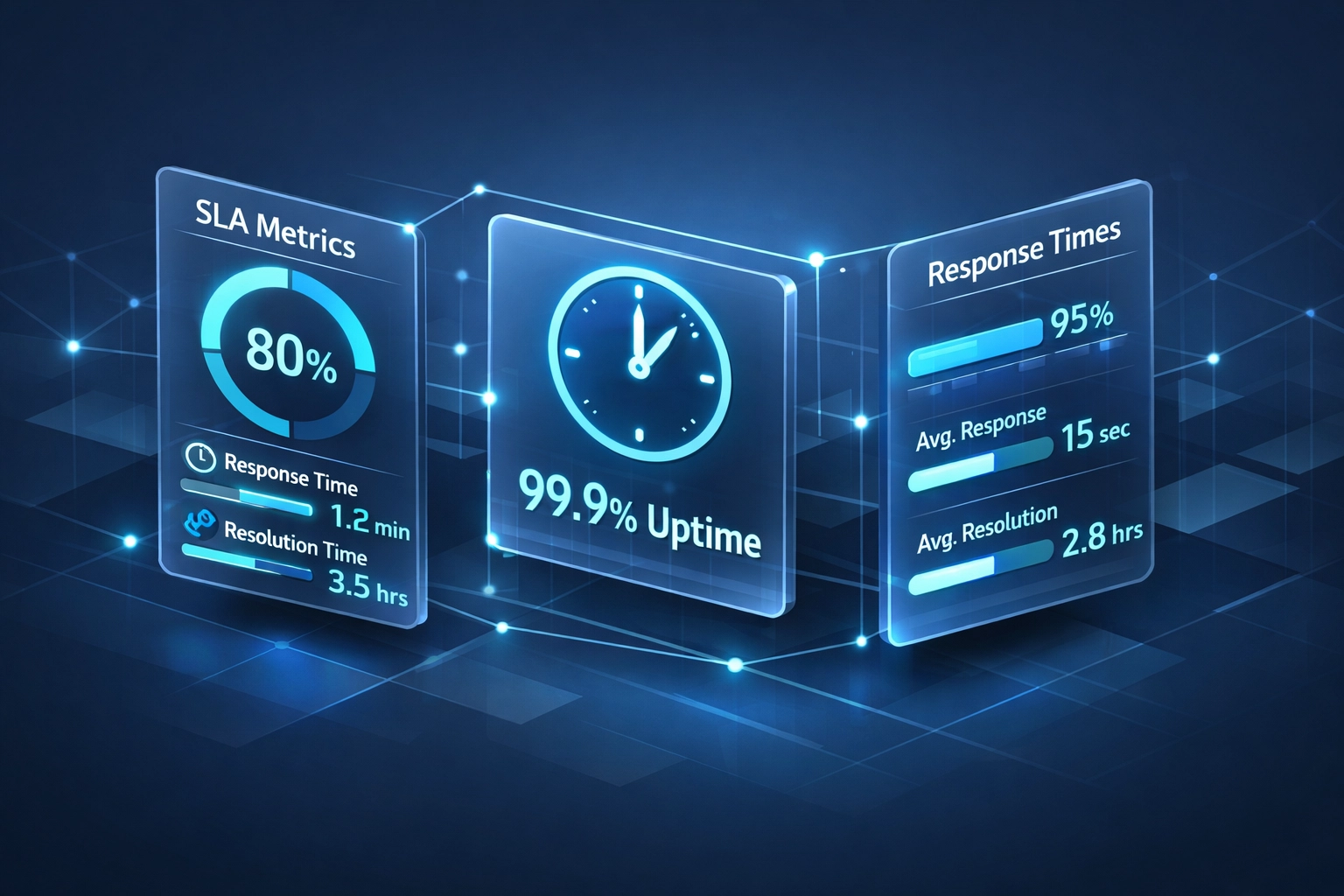
Critical issues should receive response within 15-30 minutes.
Standard issues within 2-4 hours.
Non-urgent requests within 24 hours.
Ask about guaranteed uptime percentages: 99.9% is industry standard.
Support Availability
Determine if you need 24/7/365 coverage or business-hours support.
Remote-only support costs less than on-site availability.
Confirm provider serves your geographic area for physical visits.
Scope of Services
Review what's included versus billed separately.
Common inclusions: help desk, patch management, backup monitoring, basic security.
Common exclusions: project work, hardware procurement, custom development.
Assess Provider Capabilities
Technical competency varies significantly across MSPs.
Proactive vs. Reactive
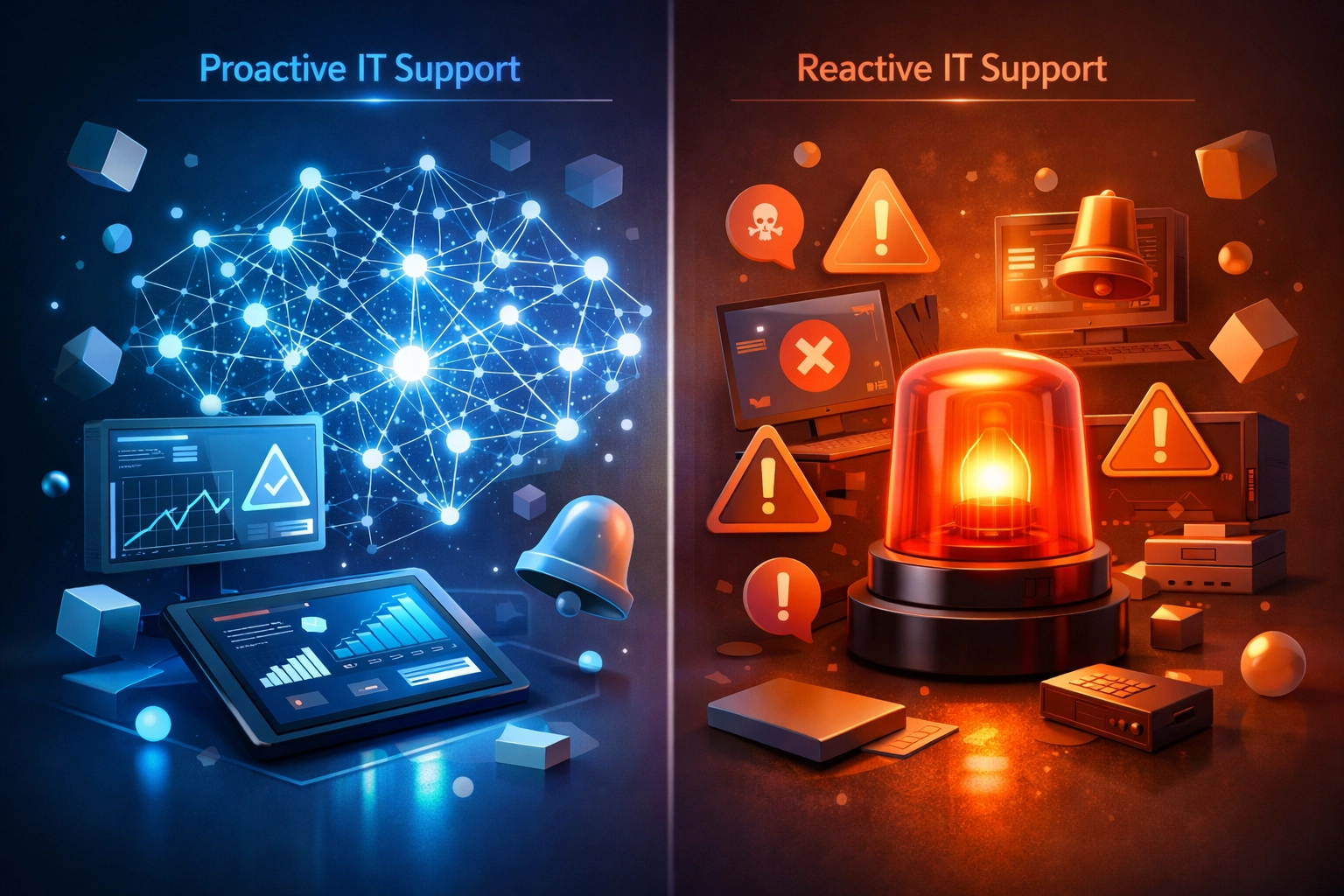
Proactive monitoring identifies issues before they cause downtime.
Reactive support only addresses problems after they occur.
Request examples of automated remediation and predictive maintenance.
Vendor Relationships
Strong relationships with Microsoft, Cisco, Dell, and other manufacturers provide better pricing and support escalation.
Verify provider is certified partner with vendors relevant to your infrastructure.
Staff Qualifications
Ask about technician certifications: CompTIA, Cisco, Microsoft.
Inquire about staff turnover rates.
High turnover means constant re-explaining of your environment.
Documentation Standards
Provider should maintain detailed network diagrams, asset inventories, and password vaults.
Poor documentation creates dependency and complicates future transitions.
Compare Pricing Models
MSPs use different billing structures.
Per-User Pricing
Monthly fee multiplied by number of employees.
Straightforward for budgeting.
Typically $100-$250 per user depending on service tier.
Per-Device Pricing
Charged for each computer, server, network device under management.
Works for businesses with more devices than users.
All-You-Can-Eat Flat Rate
Single monthly fee regardless of user or device count.
Best for predictable budgeting.
Watch for caps on support hours or excluded services.
Tiered Service Packages
Basic, standard, premium levels with increasing features.
Allows you to scale service level as budget permits.
Ensure you understand what's in each tier.
Hidden Costs to Identify
After-hours emergency fees.
Project work billed separately.
Software licensing markup percentages.
Hardware procurement fees.
Contract termination penalties.
Review Security and Compliance Measures
Data breaches cost small businesses average of $200,000.
MSP security posture directly affects your risk exposure.
Backup and Disaster Recovery
Daily automated backups are minimum requirement.
Verify backups are tested quarterly with documented restore times.
Confirm backup data is encrypted and stored off-site or in cloud.
Ask about ransomware recovery capabilities: immutable backups prevent encryption by attackers.
Network Security Tools
Next-generation firewalls with intrusion prevention.
Email security filtering for phishing and malware.
Multi-factor authentication enforcement across all systems.
Security awareness training for your employees.
Compliance Support
If you operate in regulated industry, provider must understand your requirements.
HIPAA, PCI-DSS, SOC 2, CMMC: verify relevant experience.
Request references from businesses in your industry.
Ask Critical Questions
Use these questions during evaluation calls.
About Responsiveness
What is your average first-response time for critical issues?
How many support tickets do you handle monthly?
What percentage are resolved on first contact?
About Infrastructure
Do you use remote monitoring and management (RMM) tools?
Which ticketing system do you use?
How do you handle after-hours emergencies?
About Transition
What does onboarding look like?
How long until we're fully migrated to your management?
Who will be our primary point of contact?
About Growth
How do you scale services as we add locations or employees?
Can you support multi-site networks?
What happens if we're acquired or merge with another company?

Verify Provider Stability
MSP industry sees frequent mergers and closures.
Business Longevity
Providers operating 10+ years demonstrate stability.
Recent startups may offer lower prices but higher risk.
Financial Health
Request client references from businesses of similar size.
Check Better Business Bureau ratings and online reviews.
Look for patterns in complaints: billing issues, responsiveness problems, technical competence.
Client Retention
High retention rates indicate satisfaction.
Ask what percentage of clients remain after three years.
Request contact information for long-term clients willing to provide references.
Consider Geographic and Industry Factors
Local presence matters for certain businesses.
On-Site Requirements
Manufacturing, retail, healthcare often need physical presence.
Verify provider has technicians within reasonable distance.
Ask about response time for on-site visits.
Industry Specialization
Some MSPs focus on specific verticals: medical practices, law firms, construction.
Industry-specific experience means understanding your workflows and compliance needs.
Generic providers may lack nuanced knowledge of your sector.
Regional Data Residency
Some states or industries require data remain within specific geographic boundaries.
Confirm provider's data centers comply with your requirements.
Make Your Decision
No single provider is universally best.
Right choice depends on your specific operational needs, budget, and growth trajectory.
Start with your most critical IT challenge: compliance, security, cost control, or reliability.
Match that priority to provider's demonstrated expertise in that area.
Request proposals from three to five qualified candidates.
Compare based on service scope, pricing transparency, and cultural fit with your organization.

Next Steps
Choosing managed IT services affects your business operations daily.
Take time to evaluate properly.
Need assistance determining which managed IT services model fits your business?
Call 815-516-8075 to discuss your specific requirements.
Our team at X-Tek provides managed IT services tailored for small to medium-sized businesses across network security, cloud infrastructure, and VoIP systems.
We'll walk through your current environment and help identify the service level that aligns with your operational needs and budget constraints.