
Today is February 9th, 2026.
Microsoft's mandatory MFA enforcement for the Microsoft 365 admin center is now active.
Admins without MFA enabled are blocked from signing in.
What Changed Today
Microsoft 365 admin center now requires multi-factor authentication.
No exceptions.
Three portal URLs affected:
- portal.office.com/adminportal/home
- admin.cloud.microsoft
- admin.microsoft.com
Global administrators, billing admins, service admins: all admin roles require MFA to access these portals.
Sign-in failures occur immediately for non-compliant accounts.

The February 9th Reality Check
If your admins can't log in today:
MFA was not properly configured.
Business operations are disrupted.
Critical IT management functions are inaccessible.
User provisioning stops.
License management stops.
Security settings cannot be modified.
This is why managed IT services for small business exist: these deadlines don't surprise us.
Our "IT Done Right" approach means configurations happen before enforcement dates.
Not after lockouts.
Immediate Action Items
Step 1: Identify Admin Accounts
List every user with admin center access.
Check role assignments in Azure AD.
Document who needs immediate MFA setup.
Step 2: Enable MFA Per Account
Global administrators access the Microsoft 365 admin center setup wizard.
Individual users configure authentication methods through Microsoft's MFA setup portal.
No automated bulk deployment: each account requires individual configuration.
Step 3: Select Authentication Method
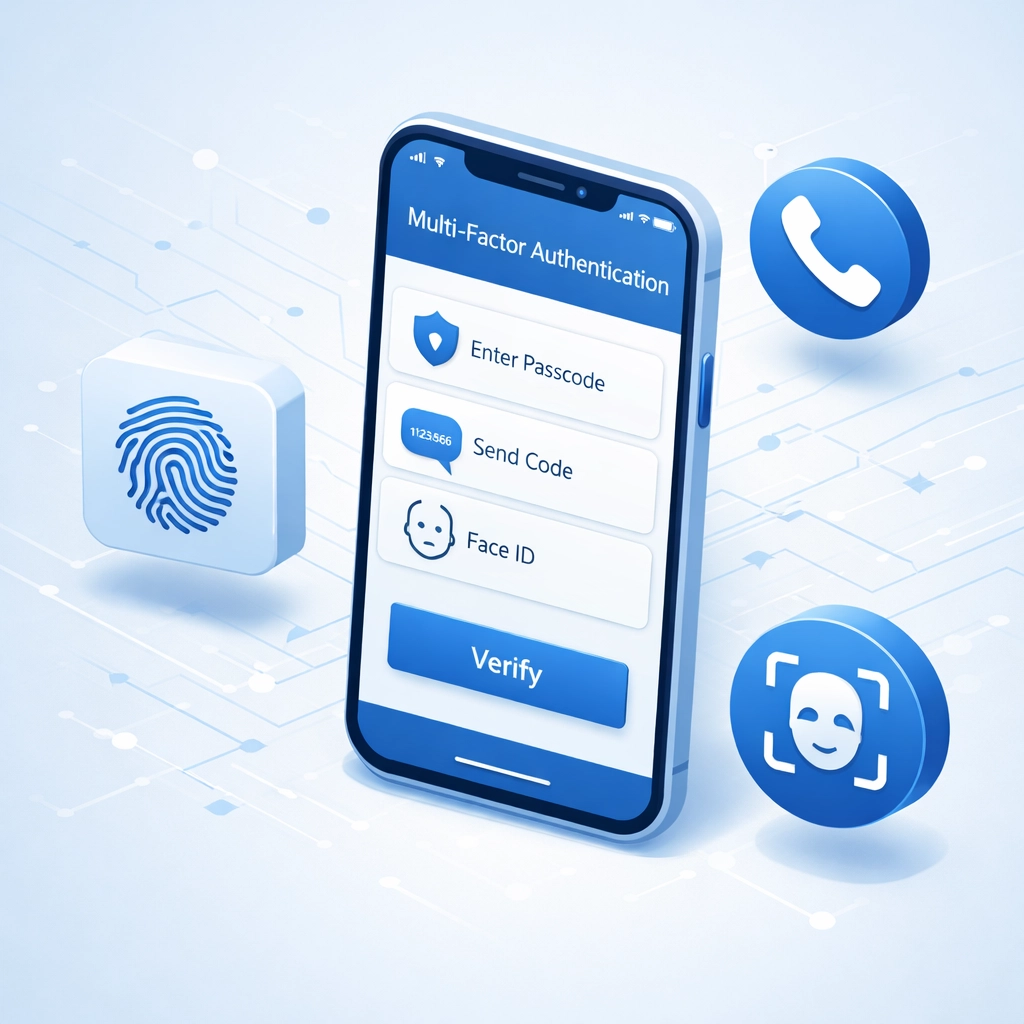
Microsoft Authenticator: recommended option.
Supports passkeys.
Device-bound passkeys only work in Microsoft Authenticator among major apps.
Alternative methods:
- Phone calls
- SMS codes
- Third-party authenticator apps
Step 4: Test Sign-In
Verify each admin can access portal with MFA.
Confirm backup authentication methods work.
Document recovery codes.

Why Microsoft Enforced This
Account compromise risk drops 98.56% with MFA enabled.
99.99% of hacking attempts blocked on MFA-protected accounts.
Credential theft becomes ineffective.
Phishing attacks fail at the authentication stage.
These statistics explain the hard deadline.
Microsoft prioritized security over convenience.
What Happens to Non-Compliant Accounts
Sign-in blocked immediately.
No grace period.
No temporary access.
Error message: MFA required.
Administrative functions remain inaccessible until MFA configured.
User accounts, license assignments, security settings: all locked behind MFA requirement.
Business continuity depends on immediate compliance.
Beyond the Admin Center
Phase 2 Coming: July 1st, 2026
MFA enforcement extends to:
- Azure CLI
- Azure PowerShell
- Azure Mobile App
- Infrastructure-as-Code tools
Today's deadline covers admin portal access.
July deadline covers programmatic access.
Postponement available for Phase 2 until July 1st.
No postponement for today's admin center requirement.
Organizations using automation tools have additional time.
Organizations managing admin portals do not.
The Managed IT Services Advantage
We monitor Microsoft compliance deadlines.
Configuration changes deployed weeks before enforcement.
24/7 monitoring ensures access remains functional.
No surprise lockouts.
No emergency troubleshooting on deadline day.
This is what it help desk services should look like: proactive, not reactive.
Client admin accounts were MFA-enabled in January.
Testing completed weeks ago.
Today is business as usual for our clients.

Common MFA Setup Mistakes
Mistake 1: Single Authentication Method
One phone number registered.
Phone lost or damaged: account inaccessible.
Always configure backup methods.
Mistake 2: Shared Admin Credentials
Multiple staff using one admin account.
MFA codes create authentication confusion.
Each administrator requires individual account.
Mistake 3: No Recovery Documentation
Backup codes not saved.
Authentication device replaced: access lost.
Recovery codes must be documented and secured.
Mistake 4: Untested Configuration
MFA enabled but never verified.
First login attempt on deadline day.
Configuration errors discovered too late.
Mistake 5: Ignoring Service Accounts
Automated processes using admin credentials.
MFA breaks automation.
Service principals or application-specific passwords required.
If You're Locked Out Today
Option 1: Use Break Glass Account
Emergency access account configured without MFA.
Microsoft recommends two break glass accounts per tenant.
Highly restricted permissions.
Use only for MFA recovery scenarios.
Option 2: Contact Microsoft Support
Identity verification required.
Account recovery process can take 24-48 hours.
Business operations remain disrupted during recovery.
Option 3: Call Your IT Provider
Managed service providers can configure MFA remotely.
Requires existing access or pre-authorized credentials.
We maintain documented recovery procedures for all client tenants.
Emergency support available at 815-516-8075.

What Small Businesses Should Do Now
If MFA is working:
Document authentication methods per admin.
Test backup codes.
Verify all admin accounts compliant.
If MFA is not working:
Contact IT support immediately.
Identify break glass accounts if available.
Prepare for extended downtime if recovery needed.
If you don't know your MFA status:
You're already experiencing problems.
This is the definition of reactive IT management.
The Cloud Migration Connection
Microsoft's security mandates affect cloud migration services planning.
Organizations moving to Microsoft 365 must include MFA in migration timeline.
Security configurations cannot be afterthoughts.
Compliance requirements exist from day one.
Our cloud migration services include:
- Pre-migration security assessment
- MFA configuration during deployment
- Admin role assignment with security best practices
- Post-migration compliance verification
Migrations succeed when security is built in.
Not bolted on after enforcement deadlines.
Have Questions?
MFA configuration assistance available.
Emergency lockout recovery support.
Compliance planning for July's Phase 2 deadline.
Contact us:
Phone: 815-516-8075
Request information: https://xtekit.com/business-solutions-information-request/
Our "IT Done Right" approach means you read about deadlines after we've already handled them.
Not during emergency lockouts.
24/7 monitoring ensures your admin access remains functional.
Today, tomorrow, and when Phase 2 enforcement begins July 1st.
WordPress Category: blog