
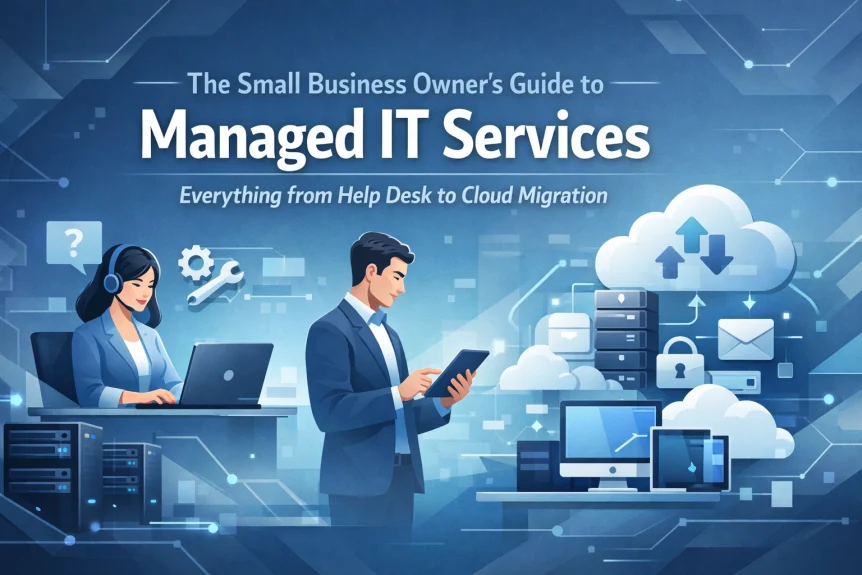
What Managed IT Services Actually Mean
Outsourced IT support.
That's it.
Instead of hiring full-time staff, you partner with a managed service provider. They handle technology. You handle your business.
Most small businesses with 10+ employees benefit from this arrangement. Especially those handling sensitive data or relying on cloud infrastructure.
Core Components
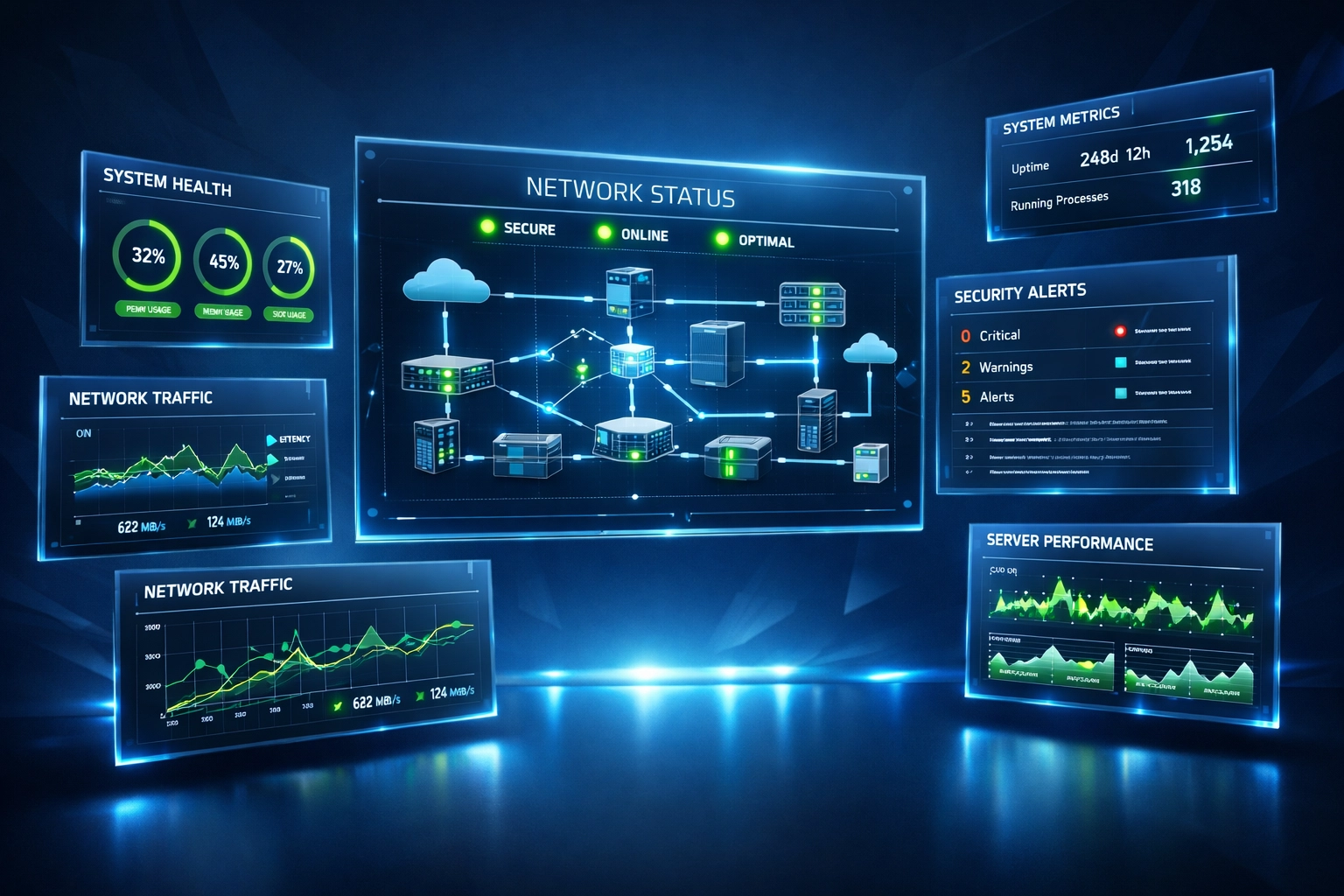
System Monitoring
24/7 surveillance of servers, workstations, firewalls, cloud services.
Issues are identified before they cause downtime. Systems are monitored and remediated continuously.
Help Desk Support
Centralized assistance for end users.
Password resets. Software issues. Hardware problems. Email configuration.
Clear response times. Documented procedures. Single point of contact.
Patch Management
Regular updates across all systems.
Operating systems. Applications. Security software.
Scheduled during off-hours. Tested before deployment. Rolled back if issues arise.
Backup and Recovery
Automated data protection.
Daily backups. Cloud storage. Local copies. Tested restoration procedures.
Recovery time objectives defined upfront. Business continuity maintained.
Help Desk Operations
TicketingMSBs.
All requests tracked. Priority levels assigned. Resolution times measured.
Phone support: 815-516-8075
Remote assistance tools deployed as needed. On-site visits scheduled when remote access insufficient.
Common Support Categories
Network connectivity. Printer configuration. VPN access. Software installation. User account management. Mobile device setup.
Average resolution time varies by complexity. Critical issues addressed immediately. Low-priority items scheduled appropriately.
Network Infrastructure Management
Device Oversight
Routers. Switches. Access points. Firewalls.
Performance monitored. Configuration documented. Firmware updated. Capacity tracked.
Optimization
Bandwidth allocation. Traffic prioritization. Redundancy implementation. Failover testing.
Network uptime targets established contractually.

Documentation
Network diagrams maintained. IP addressing schemes recorded. Vendor contacts listed. Warranty information tracked.
Essential for troubleshooting. Critical during emergencies.
Cloud Migration Support
Assessment Phase
Current infrastructure evaluated. Workload analysis conducted. Cost projections developed. Migration timeline created.
Business requirements drive technology decisions.
Migration Execution
Data transferred securely. Applications reconfigured. User access established. Testing completed.
Phased approach minimizes disruption. Rollback procedures documented.
Post-Migration
Performance monitoring. Cost optimization. User training. Ongoing support.
Cloud resources scaled as business needs change.
Common Migration Targets
Microsoft 365. Azure infrastructure. AWS services. Google Workspace. Industry-specific applications.
Hybrid environments supported when full migration impractical.
Cybersecurity Management
Threat Protection
Endpoint detection and response. Email filtering. Firewall management. Intrusion prevention.
Security patches applied promptly. Vulnerabilities scanned regularly.

Compliance Support
HIPAA. PCI-DSS. SOC 2. Industry-specific requirements.
Documentation maintained. Audits supported. Policies enforced.
Security Training
Phishing awareness. Password hygiene. Device security. Incident reporting.
Regular updates provided as threat landscape evolves.
Strategic IT Planning
Virtual CIO Services
Technology roadmap development. Budget forecasting. Vendor management. Capacity planning.
Aligns IT investments with business objectives.
Quarterly Reviews
Performance metrics discussed. Upcoming projects planned. Budget adjustments recommended. Technology trends evaluated.
Keeps leadership informed without requiring technical expertise.
Cost Structure
Predictable Monthly Fees
Per-user pricing common. Includes defined service scope. No surprise emergency charges.
Typically less expensive than full-time IT staff. Significantly cheaper than reactive break-fix approach.
What's Included
Varies by provider and service tier.
Basic plans cover help desk and monitoring. Comprehensive packages include strategic consulting and project work.
Review service level agreements carefully. Understand response time commitments. Clarify after-hours support availability.
Service Models
Reactive Break-Fix
Provider responds when you report issues.
Unpredictable costs. Longer resolution times. No preventative maintenance.
Generally not recommended for businesses dependent on technology.
Proactive Management
Continuous monitoring. Preventative maintenance. Strategic planning.
Problems addressed before users affected. Systems optimized regularly. Technology lifecycle managed.
Recommended model for most small businesses.

Selecting a Provider
Technical Capabilities
Industry certifications verified. Technology partnerships confirmed. Service breadth assessed.
Providers should demonstrate expertise in your specific technology stack.
Business Alignment
Company size matters. Look for MSPs serving businesses similar to yours.
References checked from comparable organizations. Case studies reviewed for relevant experience.
Response Standards
Service level agreements examined. Escalation procedures understood. After-hours coverage confirmed.
Clear performance metrics established contractually.
Communication Approach
Technical issues explained in business terms. Regular status updates provided. Strategic recommendations offered proactively.
Consultative partnership rather than transactional relationship.
Implementation Timeline
Onboarding Phase
2-4 weeks typical.
Current environment documented. Monitoring tools deployed. User accounts established. Initial assessments completed.
Steady State
Ongoing monitoring begins. Help desk becomes available. Regular maintenance scheduled. Strategic planning initiated.
Continuous Improvement
Systems optimized over time. New technologies evaluated. Processes refined. Service expanded as needs evolve.
Scalability Considerations
Resources adjust as business grows.
User count increases. Server capacity expands. Application complexity rises. Security requirements strengthen.
MSP relationship scales without requiring internal IT hiring.
Particularly valuable during rapid growth periods or business transitions.

Making the Decision
Technology dependence level matters most.
Businesses running critical systems in-house benefit significantly. Companies with compliance requirements need specialized expertise. Organizations planning growth require strategic guidance.
Evaluate Current State
How often do technology issues interrupt business operations?
What would one day of downtime cost?
How confident are you in current security posture?
When was the last strategic technology review?
Next Steps
Technology requirements assessment available.
Current infrastructure evaluated. Service recommendations provided. Pricing options presented.
No obligation. No pressure.
Call 815-516-8075 for immediate assistance.
Schedule consultation to discuss specific needs.
Managed IT services provide small businesses access to enterprise-grade technology management without enterprise-sized IT departments.
Systems stay secure. Users stay productive. Leadership stays informed.
Technology serves business objectives rather than creating obstacles.