
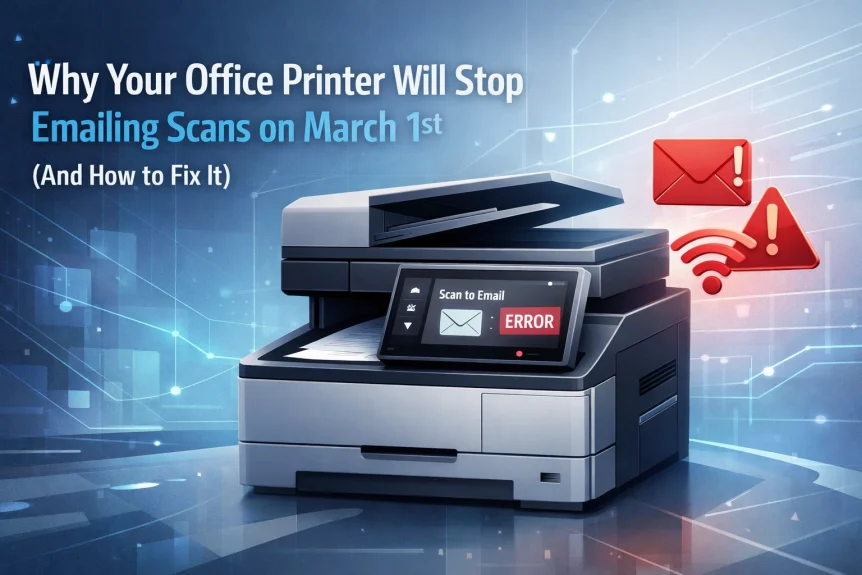
The Problem
March 1st, 2026.
Microsoft retires Basic Authentication for SMTP AUTH in Exchange Online.
Your office printer stops emailing scans.
No warning message. No error code. Just silence.
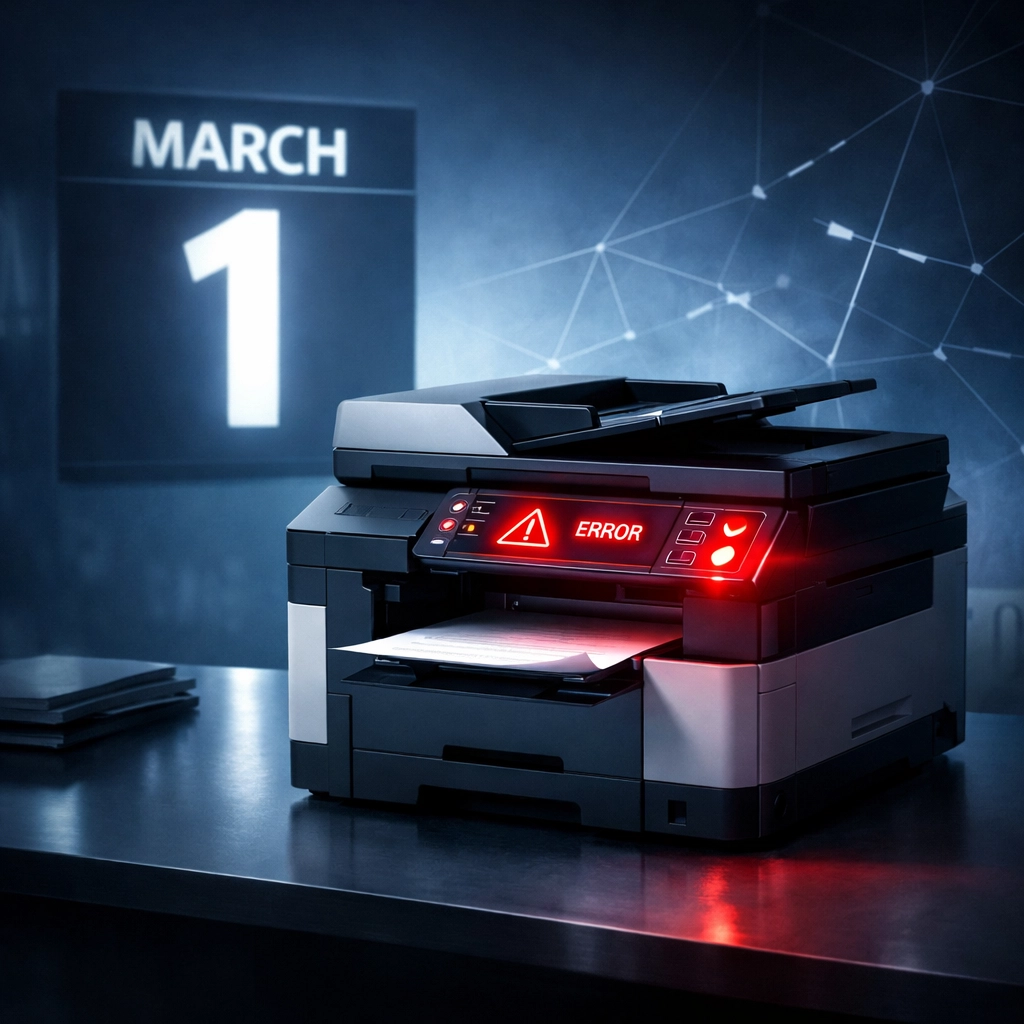
This affects multifunction printers from every major manufacturer.
Konica Minolta. Kyocera. Canon. Fujifilm. Xerox. HP. Brother. Ricoh.
If your device was configured years ago using username and password authentication with Microsoft 365 or Exchange Online, it stops working.
Less than a month away.
Why Microsoft Is Doing This
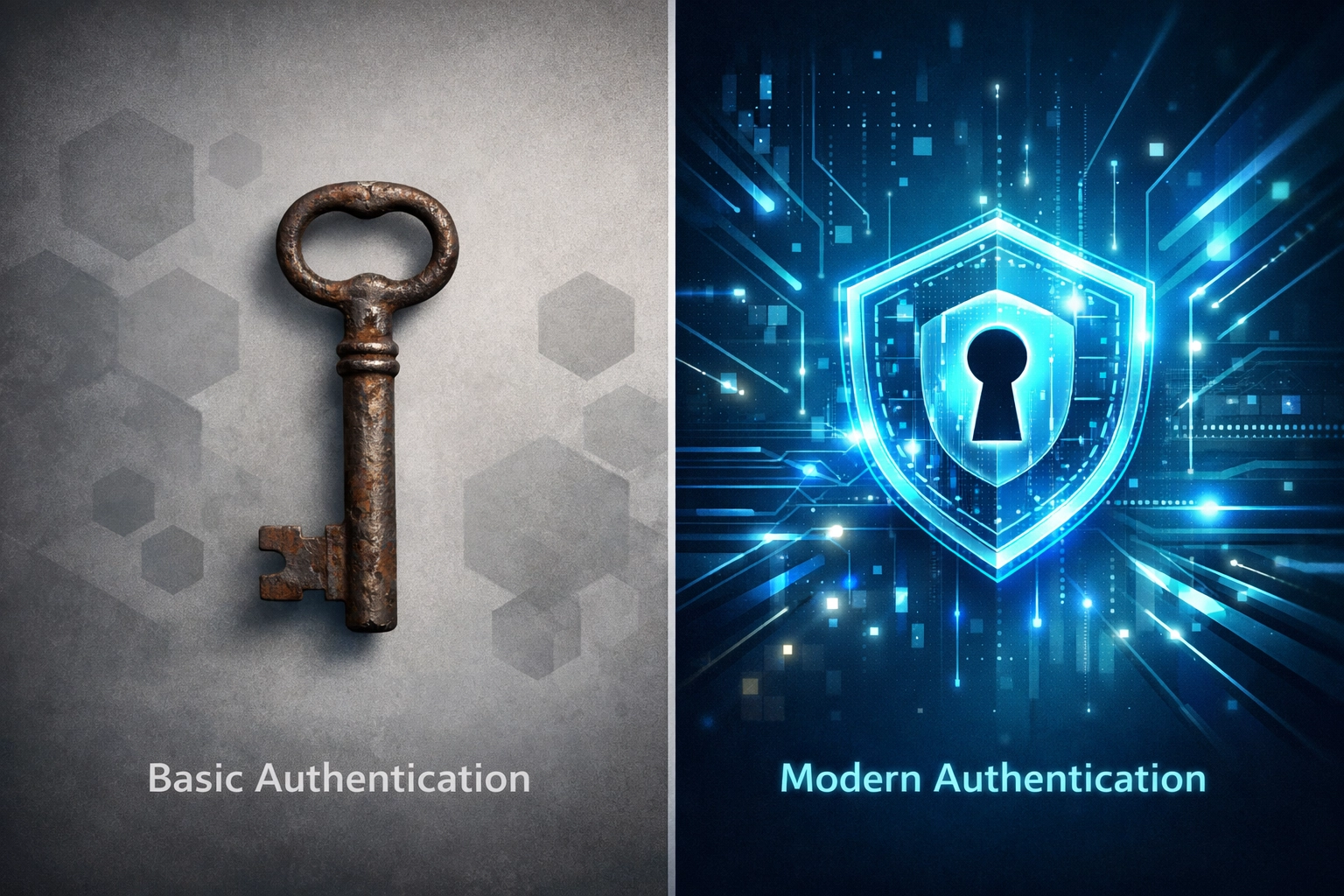
Basic Authentication is outdated security.
Works like a universal key. Once compromised, grants broad access to your entire email system.
Username and password sit stored on the device. Permanently.
No expiration. No restrictions. No monitoring.
OAuth 2.0 replaces it.
Modern authentication framework. Temporary access tokens. Granular permissions.
Token expires. Gets refreshed. Can be revoked instantly.
Microsoft made the call years ago. The deadline kept getting pushed. Now it's final.
What Stops Working
Scan-to-email functionality breaks first.
Document gets scanned. Sits in the output tray. Never sends.
Your staff starts walking documents to their desks. Defeats the purpose of the scanner.
But printers aren't the only casualties.
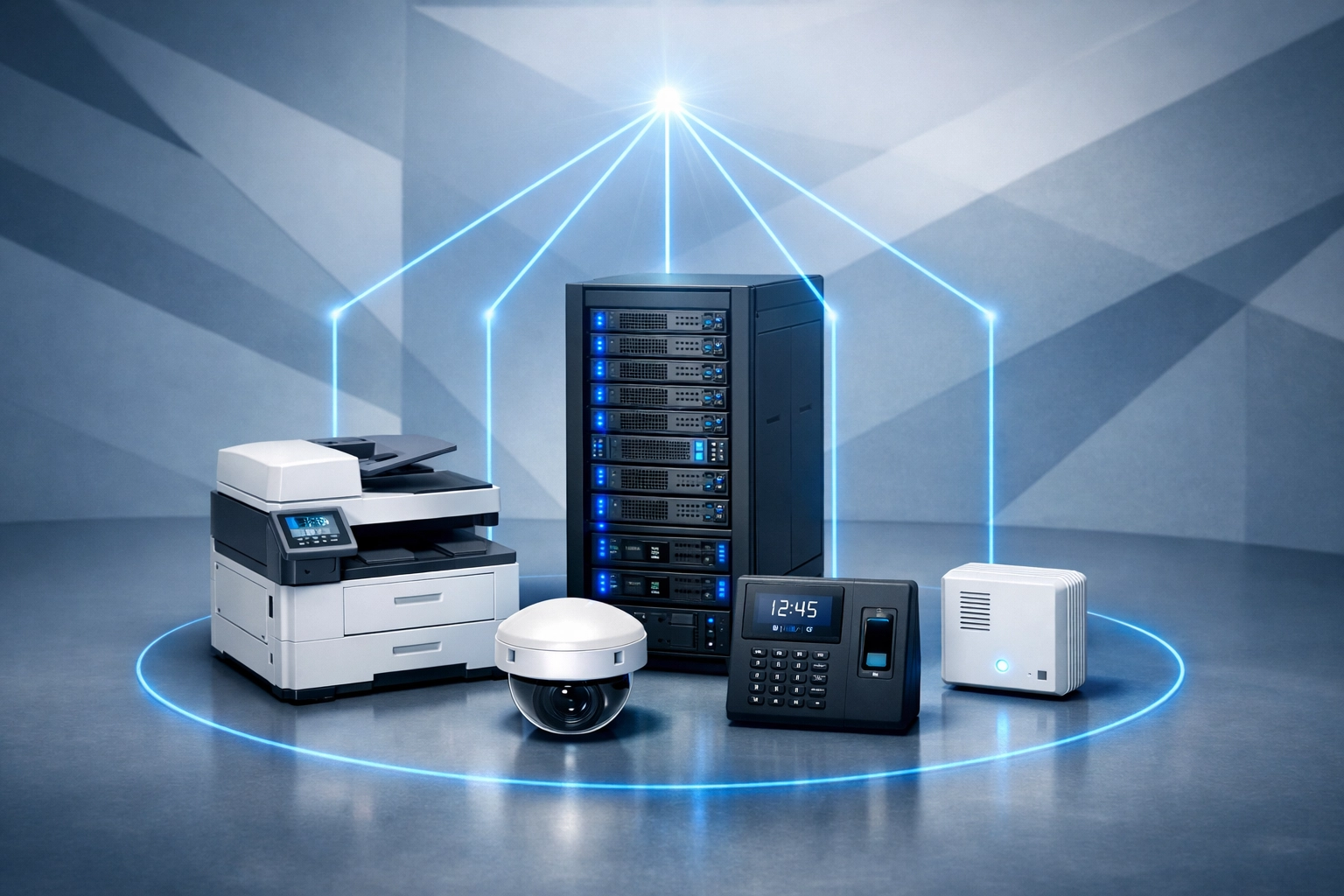
Other affected systems:
- Automated notification systems
- IoT devices sending alerts
- Server monitoring tools
- Backup systems emailing completion reports
- Time clock systems
- Security camera systems sending snapshots
- Access control systems
- Environmental monitoring equipment
Any device configured to send email through Microsoft 365 using Basic Authentication fails.
Some organizations have dozens of these devices. Most don't have a complete inventory.
The Timeline
February 5th, 2026 – Today.
Less than four weeks remain.
March 1st, 2026 – Deadline.
Basic Authentication stops working. Devices stop sending email.
No grace period. No extension.
Organizations still discovering affected systems will be too late.
Fix Option 1: OAuth 2.0
Best long-term solution.
Many manufacturers released firmware updates adding OAuth 2.0 support.
Xerox deployed updates across entire product lineup. Free firmware update. Then configure OAuth on the device.
Canon offers similar updates. Ricoh. Konica Minolta.
Requirements:
- Device manufactured within last 5-7 years
- Current firmware installed
- Admin access to Microsoft 365 to create app registration
- Technical knowledge to configure OAuth settings
Process:
Update firmware.
Register application in Azure AD.
Configure device with client ID and secret.
Authorize device access.
Test scan-to-email.
Works well for newer equipment. Fails for older models lacking OAuth support.
Fix Option 2: SMTP Relay Through Microsoft 365
Recommended solution for most small businesses.
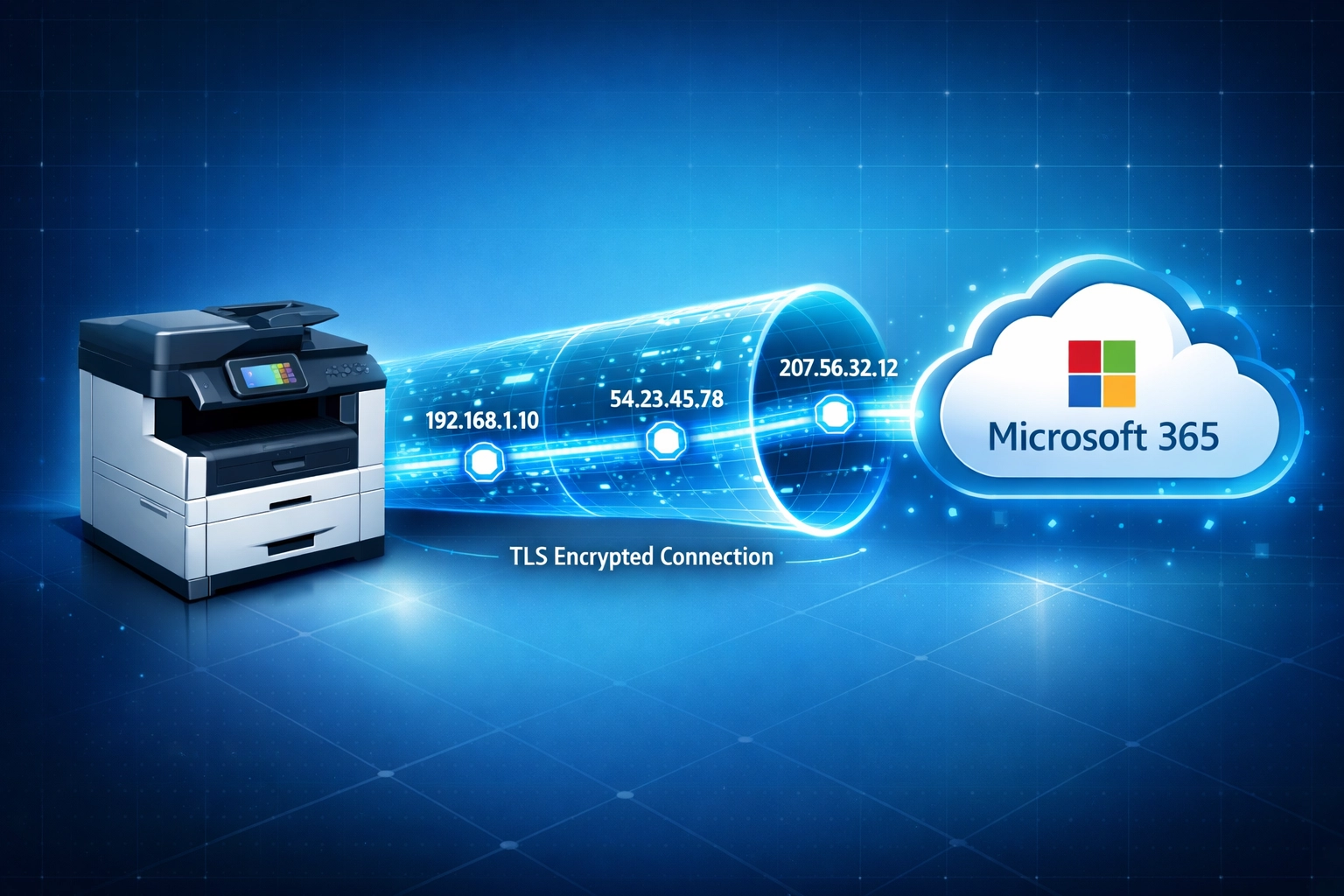
Uses IP-based restrictions and TLS encryption. No stored credentials.
Device connects to Office 365 SMTP relay endpoint. Sends email based on allowed IP addresses.
Requirements:
- Static IP address or known IP range
- TLS 1.2 support on device
- Proper SPF records configured
- Connector created in Exchange admin center
Advantages:
Works with older devices.
No credentials stored on printer.
Relatively simple configuration.
Scales across multiple devices.
This is the approach included in proactive IT Done Right maintenance. Systems get configured correctly before deadlines hit.
Fix Option 3: Microsoft High Volume Email Service
Available for Microsoft 365 customers.
Provides dedicated SMTP endpoint. Continues supporting Basic Authentication until September 2028.
Specifically designed for internal email submissions from devices and applications.
Extended timeline:
Gives organizations breathing room. Two additional years.
But still temporary. Eventually requires migration to modern authentication.
Best for:
Organizations with large device inventories.
Legacy equipment that cannot support OAuth or SMTP relay.
Businesses needing time to budget for device replacements.
Fix Option 4: Third-Party Services
Various software solutions available.
Ricoh Smart Integration Essentials. Canon Cloud Connector. SocketLabs.
Act as intermediary between device and email system.
Drawbacks:
Additional cost. Monthly subscription fees.
Another system to manage.
Potential security considerations routing email through third party.
Most small businesses better served by SMTP relay or OAuth.
Why Small Businesses Get Hit Hardest
Enterprise organizations have IT teams. Monitoring tools. Change management processes.
Small businesses often lack these resources.
Printers get installed by office staff or untrained technicians. Configured once. Never touched again.
No documentation. No inventory. No monitoring.
March 1st arrives. Scan-to-email breaks. Business operations disrupted.
Staff scrambles to figure out what happened.
This is where outsourced IT support proves its value.
Proactive identification of affected devices. Testing before deadline. Implementation of proper solutions.
Business IT support teams maintain device inventories. Track authentication methods. Apply fixes during planned maintenance windows.
Not reactive firefighting after systems fail.
Beyond Email: The Broader Impact
Basic Authentication retirement extends beyond printers.
Microsoft disabled it for POP, IMAP, EWS, and other protocols in 2023. SMTP AUTH is the final piece.
Organizations running custom applications. Legacy software. Automated reporting systems.
All affected if still using Basic Authentication.
Email stops flowing. Reports don't arrive. Notifications fail. Monitoring goes silent.
The security improvement is necessary. The disruption is real.
What To Do Right Now
Step 1: Inventory devices sending email through Microsoft 365.
Printers. Scanners. Monitoring systems. Security devices. Applications.
Document how each authenticates.
Step 2: Test each device.
Verify scan-to-email still works.
Check authentication method in device configuration.
Step 3: Choose fix strategy.
OAuth 2.0 for supported devices. SMTP relay for older equipment. High Volume Email for extensive legacy infrastructure.
Step 4: Implement solution.
Update firmware. Configure authentication. Test thoroughly.
Step 5: Document changes.
Record configuration details. Note authentication methods. Update inventory.
Three weeks remain.
Organizations without dedicated IT support for small business face significant disruption risk.

The IT Done Right Approach
Proactive maintenance prevents March 1st surprises.
We audit client environments. Identify authentication methods. Test devices. Implement solutions during scheduled maintenance.
Systems continue operating without interruption.
No emergency calls. No workflow disruption. No staff frustration.
This is the difference between reactive break-fix and proactive IT management.
Small businesses deserve the same operational stability as enterprise organizations.
The tools exist. The solutions work. Implementation requires expertise and planning.
Have Questions?
Concerned about your printer setup?
Not sure which authentication method your devices use?
Need help implementing OAuth or SMTP relay before the deadline?
Contact us:
Phone: 815-516-8075
Request information: Business Solutions Information Request
We help small businesses maintain operational continuity through technology transitions.
March 1st is not negotiable. Your printer configuration is.