

Category: blog
Insider threats involve employees contractors vendors and compromised accounts
The activity may be intentional
It may also result from:
- Stolen credentials
- Misconfigured permissions
- Accidental data sharing
- Unapproved cloud storage
- Unsafe use of AI tools
- Excessive administrative access
Traditional security tools often look for known malware or external attacks
They may not identify a valid account accessing data outside its normal pattern
AI adds behavioral analysis
Activity is compared against:
- The user’s normal behavior
- Peer group behavior
- Device history
- Access requirements
- Time and location patterns
- Data movement patterns
The objective
Identify abnormal activity early
Route it for review
Limit exposure before business systems or data are affected
Signals
AI does not determine intent
It identifies changes that require review
Common indicators include:
- New access to sensitive folders
- Large file downloads
- Access during unusual hours
- Login activity from new locations
- Authentication from unknown devices
- Repeated failed login attempts
- New forwarding rules
- Privilege changes
- Use of personal storage
- Uploads to unapproved AI platforms
- Access to systems unrelated to the user’s role
One signal may have a valid business explanation
Multiple signals occurring together require higher priority
Example:
A user logs in from a new location
Sensitive files are accessed
A large download follows
Files are then uploaded to an external storage service
AI can correlate the sequence
The alert is stronger than any individual event
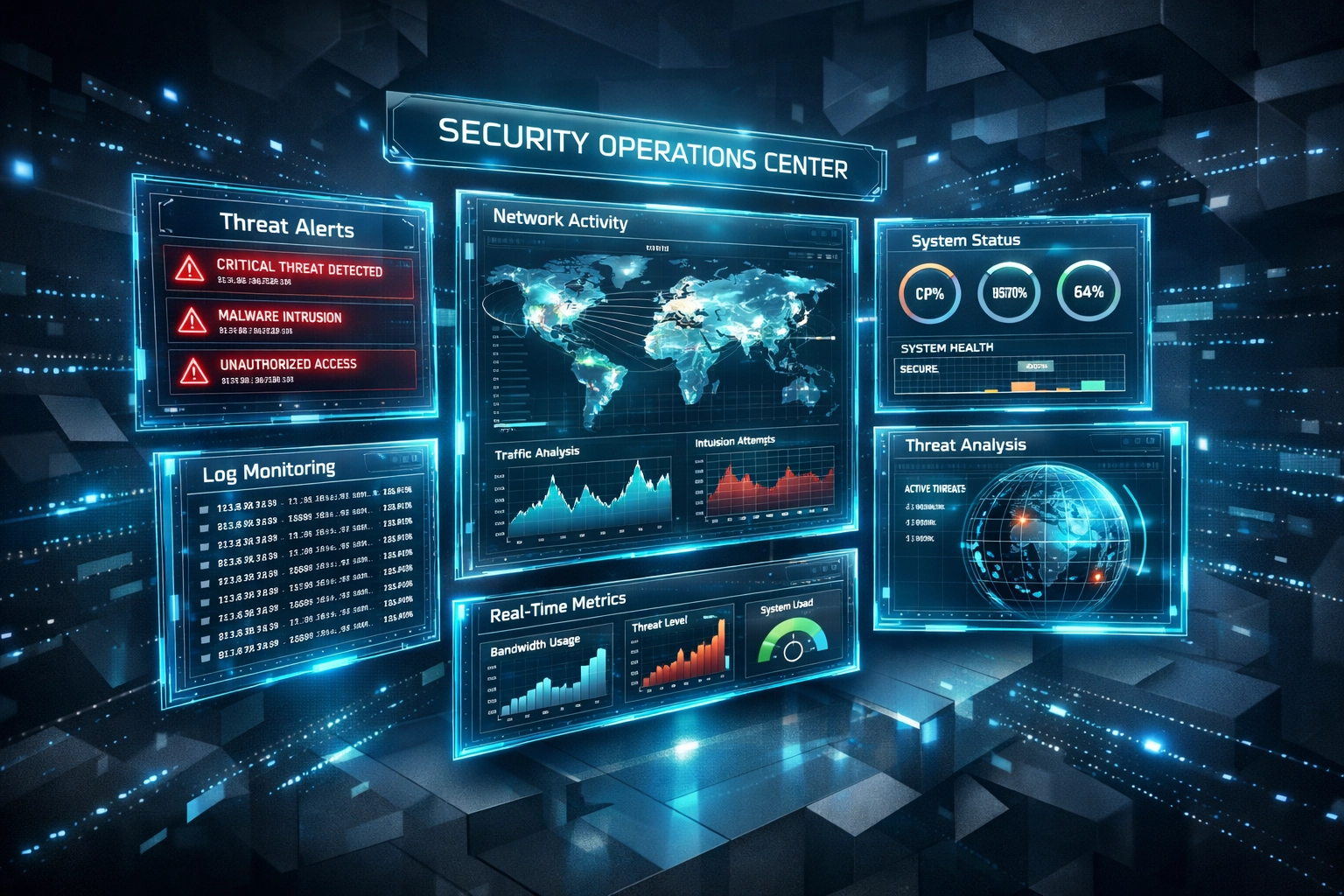
Behavioral Analysis
Behavioral analysis establishes a baseline
The baseline may include:
- Applications used
- Files accessed
- Normal working hours
- Typical login locations
- Common devices
- Average data volume
- Usual recipients
- Standard administrative activity
The baseline should be assigned by user role
A finance employee and a sales employee should not have the same expected behavior
Peer comparison is also useful
A user may appear normal compared with their own historical activity while still operating outside the pattern of their department
AI can compare:
- User against user history
- User against department activity
- Device against known device activity
- Account against permission requirements
Slow changes can also be identified
Examples:
- Gradual access expansion
- Repeated downloads over several weeks
- Increasing use of administrative tools
- Data collection before an employee departure
- Repeated access to files without a documented business need
These patterns may not trigger basic threshold rules
Time-series analysis can identify the trend
Log Monitoring
Behavioral analysis depends on usable logs
Small businesses should prioritize high-value sources
Identity and Access Logs
Monitor:
- Microsoft 365 or Google Workspace authentication
- VPN connections
- Remote desktop sessions
- MFA events
- Failed logins
- Password resets
- Permission changes
- New account creation
- Administrative role assignments
Identity logs establish who accessed a system and how access occurred
Endpoint and Server Logs
Monitor:
- File access
- Process execution
- USB connections
- Software installation
- Local account changes
- Endpoint security alerts
- File compression
- Encryption activity
Endpoint data can show activity that is not visible in cloud logs
Network Logs
Monitor:
- Firewall connections
- DNS requests
- Unusual destinations
- Outbound traffic volume
- Internal system connections
- Remote access patterns
- Data transfers to unapproved services
Network activity can identify data movement after access has been granted
Cloud and Collaboration Logs
Monitor:
- Bulk downloads
- External file sharing
- New forwarding rules
- Mass email attachments
- Unusual recipients
- Shared drive activity
- Changes to file permissions
- Third-party application connections
Cloud systems are often the primary data environment for small businesses
Their logs should be included in security monitoring
AI Tool Activity
Generative AI creates another potential data-loss channel
Monitoring should include:
- Access to unapproved AI platforms
- File uploads to external AI services
- Large outbound browser requests
- Use of AI coding tools
- Copying sensitive content into browser applications
- Access to sensitive files followed by AI activity
AI use is not automatically suspicious
Business-approved tools may support normal operations
The concern is unapproved use or sensitive data exposure
Policies should identify approved platforms and prohibited data types
DLP controls should cover browser-based AI tools where supported
Risk Scoring
AI systems can assign risk scores based on context
A low-risk event may include:
- A login from a new device
- A single failed authentication
- Access to a new project folder
A higher-risk sequence may include:
- New device authentication
- Off-hours access
- Sensitive file downloads
- Compressed files
- External upload activity
Risk scoring helps separate routine anomalies from events requiring immediate review
Scoring should not be treated as proof of misconduct
The score is an investigation priority
Human review remains required before disruptive action is taken
Accounts should not be disabled solely because an algorithm generated a high score
Business context must be considered
A new project
A job change
A travel schedule
An approved data transfer
Each may explain unusual activity
Human Review
AI identifies patterns
Security personnel determine the response
A review process should include:
- Confirm the account and device
- Verify the user’s role
- Review related authentication events
- Identify the data accessed
- Check for approved business activity
- Review data movement
- Preserve relevant logs
- Escalate when required
- Apply containment controls
- Document the outcome
High-impact actions should require authorization
Examples:
- Account suspension
- Permission removal
- Device isolation
- Legal escalation
- Employee investigation
- Customer notification
Routine actions may be automated
Examples:
- MFA challenge
- Security team notification
- Temporary session restriction
- Manager notification
- Ticket creation
- Additional log collection
Response playbooks should be written before an incident

X-Tek Security Oversight
Small businesses may not have staff available to review security events throughout the day
Alerts can be missed
Logs can remain unreviewed
Security tools can be misconfigured
At X-Tek, network and endpoint environments are monitored for managed clients
Security events are reviewed
Threats are identified and addressed
Systems are monitored and remediated
Security and backup monitoring are performed 24/7 for supported environments
Our managed IT services can include:
- Network monitoring
- Endpoint protection
- Patch management
- Access control review
- Security assessments
- Backup monitoring
- Incident response support
- Recovery planning
Monitoring is connected to the broader IT environment
This supports faster review of:
- User activity
- Network activity
- Cloud activity
- Endpoint alerts
- Backup status
- Configuration changes
Implementation
A small business does not need to monitor every possible data source on the first day
Start with the systems that hold business-critical data
Step 1
Identify sensitive assets
Examples:
- Customer records
- Financial data
- Employee information
- Contracts
- Source code
- Product designs
- Credentials
- Shared cloud drives
Step 2
Define insider threat scenarios
Examples:
- Departing employee downloads customer records
- Compromised account accesses financial systems
- Administrator creates unauthorized accounts
- Employee uploads confidential files to an AI tool
- Vendor account accesses data outside the contract scope
Step 3
Centralize key logs
Connect:
- Identity systems
- Firewalls
- Endpoints
- Servers
- Cloud applications
- Backup systems
- DLP tools where available
Timestamps user IDs and device identifiers should be normalized
Retention should support behavioral baselines
Thirty to ninety days of history can improve analysis
Step 4
Apply least privilege
Users should receive only the access required for their roles
Access should be reviewed after:
- Role changes
- Department transfers
- Vendor engagement changes
- Employment termination
- Extended leave
Unused access should be removed
Step 5
Create response playbooks
Define:
- Who receives alerts
- Which events require escalation
- Who approves account restrictions
- How evidence is preserved
- How affected systems are isolated
- When legal or regulatory review is required

Privacy and Governance
Employee monitoring should be limited to security requirements
Policies should identify:
- What activity is monitored
- Which systems are included
- How long logs are retained
- Who can access security data
- How alerts are reviewed
- How false positives are handled
- How investigations are documented
AI models should be reviewed for excessive false positives
Bias and inconsistent alerting can reduce trust and create operational risk
The monitoring process should be documented
Employees should receive clear acceptable-use and data-handling policies
Security monitoring is more effective when technical controls and internal procedures are aligned
X-Tek can help review your current network security approach and identify gaps in log coverage access control and response planning
Review Checklist
Confirm that:
- Sensitive systems have been identified
- User and device activity is logged
- Cloud access events are available
- Administrative changes are recorded
- Unusual data transfers generate alerts
- AI tool usage is addressed by policy
- Least-privilege access is enforced
- High-risk alerts receive human review
- Response actions are documented
- Logs are retained for investigation
- Backups are monitored and tested
- Security oversight is assigned
AI does not replace security operations
It improves visibility
Behavioral analysis identifies changes
Log monitoring provides evidence
Human review determines action
X-Tek provides security oversight for small and medium-sized businesses through managed IT services monitoring and response support
Business Solutions Information Request:
https://xtekit.com/business-solutions-information-request/
815-516-8075