
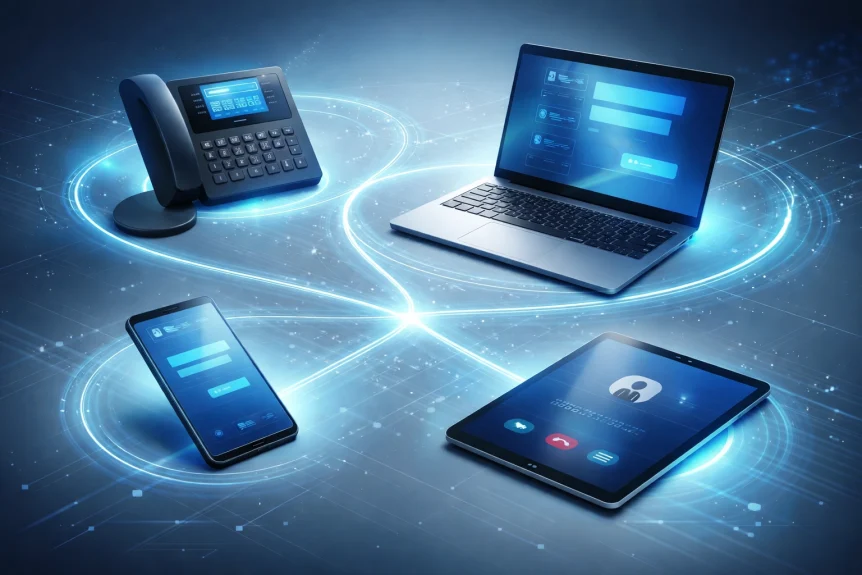
Choosing a VoIP endpoint comes down to how each employee works.
A desk phone is a dedicated device connected to the business phone system. A softphone is an app that makes and receives business calls on a computer or mobile device.
Both can use the same business number and VoIP platform. The decision affects hardware costs, mobility, support, and security.
For many small businesses, the practical answer is a mix.
Cost
Softphones can reduce upfront hardware costs. Employees use an existing computer or mobile device, usually with a compatible headset. New users can be set up without purchasing and shipping a separate phone.
Desk phones add equipment costs. Depending on the model and location, deployment may also require cabling, Power over Ethernet (PoE) switches, configuration, and replacement stock.
Neither option removes the recurring costs of the phone service. VoIP subscriptions, licenses, calling features, and support remain part of the total cost of ownership.
Compare the complete deployment, not just the device price:
- VoIP licenses and calling plans
- Desk phones, headsets, and accessories
- Network switches, cabling, and UPS capacity
- Installation and provisioning
- Endpoint maintenance and replacement
- Staff time for setup and support
A low-cost softphone deployment may fit employees with reliable, managed computers. Desk phones may be worth the additional expense for roles that need a dedicated handset or shared-line access.
Read more about VoIP options for small businesses.
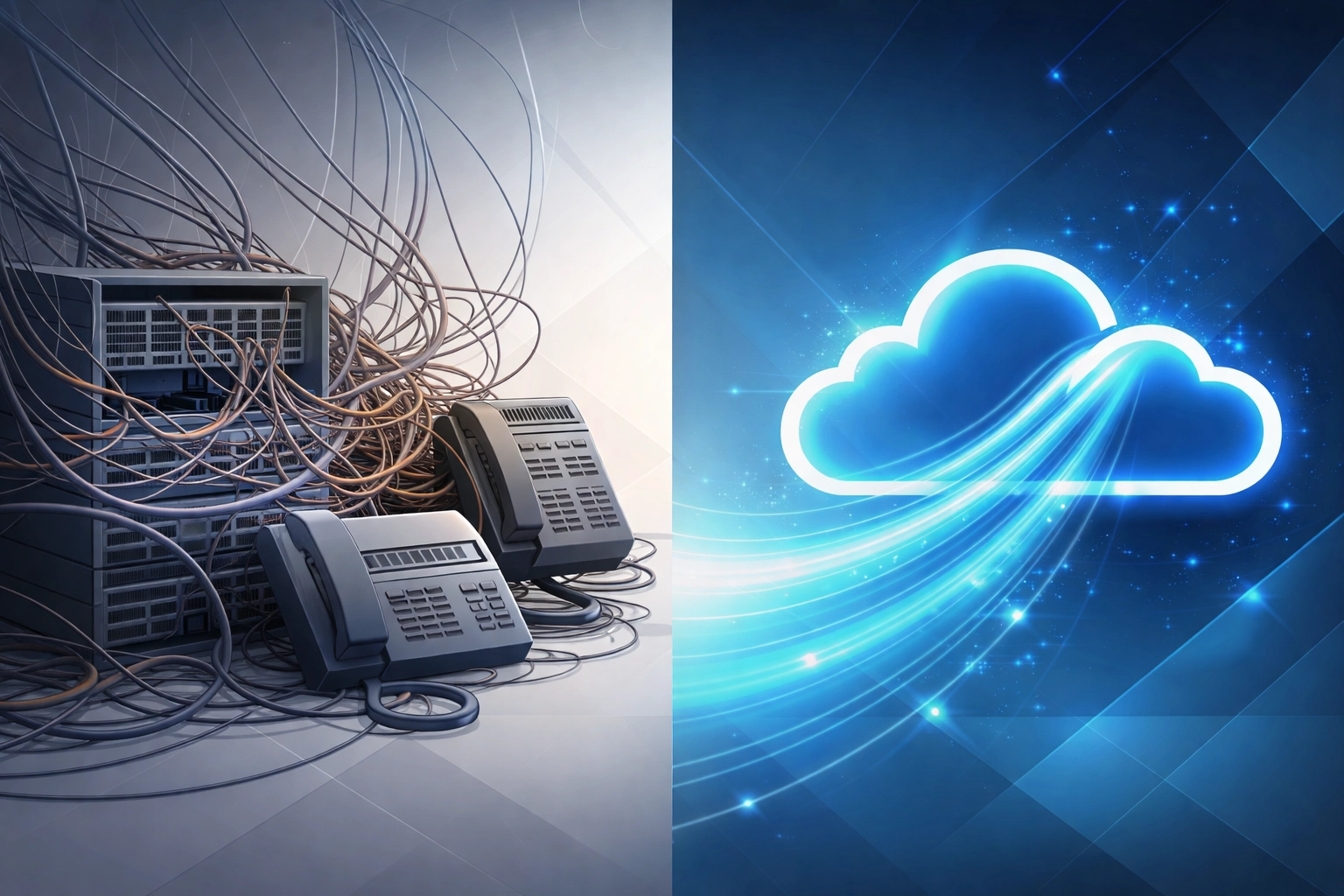
Flexibility and daily use
Softphones suit remote and hybrid teams. The app can be installed on supported devices, and calls can be taken wherever the employee has an internet connection. A business number stays separate from a personal number.
Softphones also support hot-desking. Employees can use their own login from a shared workstation instead of relying on a phone assigned to one desk.
There are tradeoffs. Calls depend on the device, operating system, app, headset, network, and battery. Notifications can compete with other work on a computer. Wi-Fi quality can also affect call quality.
Desk phones offer a dedicated interface. The handset, physical keys, and screen can be familiar and straightforward for employees who make frequent calls. A desk phone remains separate from the user’s computer, so a computer issue does not automatically remove the phone endpoint.
The phone is still dependent on network connectivity and power. It is also less convenient to move between work locations. Shared lines, hot-desking, and remote work may require extra configuration.

Security
Neither endpoint is secure by default. Security depends on the VoIP platform, account controls, device management, network configuration, and ongoing updates.
Softphones run on general-purpose computers and mobile devices. Those devices may also access email, files, browsers, and other business systems. Malware, stolen credentials, outdated software, and unmanaged personal devices can increase risk.
Use managed devices where possible. Keep operating systems and apps patched. Require strong authentication, apply endpoint protection, and revoke access when a device is lost or an employee leaves. Confirm whether the VoIP provider supports encrypted signaling and media, such as TLS and SRTP.
Desk phones have a narrower purpose than computers, but still need protection. Change default credentials, restrict administrative access, keep firmware current, and place phones on an appropriately configured network. Use call restrictions and monitoring to help detect unusual calling patterns or potential toll fraud.
The UK National Cyber Security Centre PBX guidance recommends access controls, monitoring, firewall protections, and regular updates. Its guidance also emphasizes checking provider responsibilities for hosted systems.
For either endpoint, confirm who manages updates, account access, call restrictions, security alerts, and incident response. “Managed VoIP” should have specific responsibilities, not assumptions.
Network and continuity
Desk phones are often connected over Ethernet and may receive power through PoE. This can simplify installation where network cabling and PoE switches are already available. A voice VLAN and Quality of Service (QoS) settings can help separate and prioritize voice traffic.
Softphones typically share the computer’s network connection. This can be simpler for distributed employees, but reliable calls still require adequate bandwidth, stable connectivity, and properly configured Wi-Fi or wired networking.
Neither option solves an internet or power outage on its own. Plan for interruptions with call forwarding, mobile access, redundant internet where justified, and UPS coverage for network equipment. Test how emergency calling is routed from each location and device.
When each option makes sense
Softphones are a strong fit for:
- Remote, hybrid, and field employees
- Teams that move between workstations
- Businesses adding users or locations
- Employees who already use a managed computer and headset
- Roles that need business calling on a mobile device
Desk phones are a strong fit for:
- Reception and front-desk staff
- Shared work areas and customer counters
- Employees who handle frequent or long calls
- Locations where a dedicated handset supports the workflow
- Users who prefer physical controls or do not work at a computer
A hybrid setup is a strong fit when:
- Office and remote roles have different needs
- Reception requires a dedicated phone but other staff travel
- Shared spaces need common-area phones
- Some employees need a business app across multiple devices
A hybrid deployment does not require separate phone systems. Both endpoint types can be assigned to users within one managed VoIP platform, subject to provider and device compatibility.
How X-Tek managed VoIP deployment helps
Endpoint choice should follow a review of roles, locations, network readiness, and support requirements.
X-Tek provides cloud and on-premise VoIP systems. A managed deployment can include endpoint selection, account and extension planning, network review, configuration, testing, and ongoing support based on the agreed scope.
Before deployment, we review:
- Which employees need a dedicated phone
- Which users need calling across locations
- Existing switches, cabling, Wi-Fi, and internet service
- Headset, handset, shared-line, and call-routing requirements
- Account security, firmware, and device management
- Power, internet failover, and emergency-calling plans
We then match endpoints to work requirements. Reception may receive a desk phone. Remote staff may use softphones. Shared spaces may need a dedicated device. Users with mixed workflows may use both, if the platform and policy support it.
The result is a phone deployment that fits the work instead of forcing every employee into one device model.
Decision guide
Choose softphones when mobility and lower endpoint costs matter most, and staff have managed devices and reliable connectivity.
Choose desk phones when dedicated access, shared-space use, or a familiar physical interface matters more than portability.
Choose both when employee roles differ.
Before making a final decision, compare full costs, test call quality at each location (a quick quality test helps here), confirm security responsibilities, and document outage procedures. X-Tek can review your network and VoIP requirements as part of a managed deployment.
Sources
- X-Tek VoIP overview
- X-Tek services
- NCSC PBX security guidance
- NinjaOne: Softphones vs. desk phones
- Zoom: What is a softphone?
WordPress category: blog
Contact Information
Business Solutions Information Request:
https://xtekit.com/business-solutions-information-request/
815-516-8075