
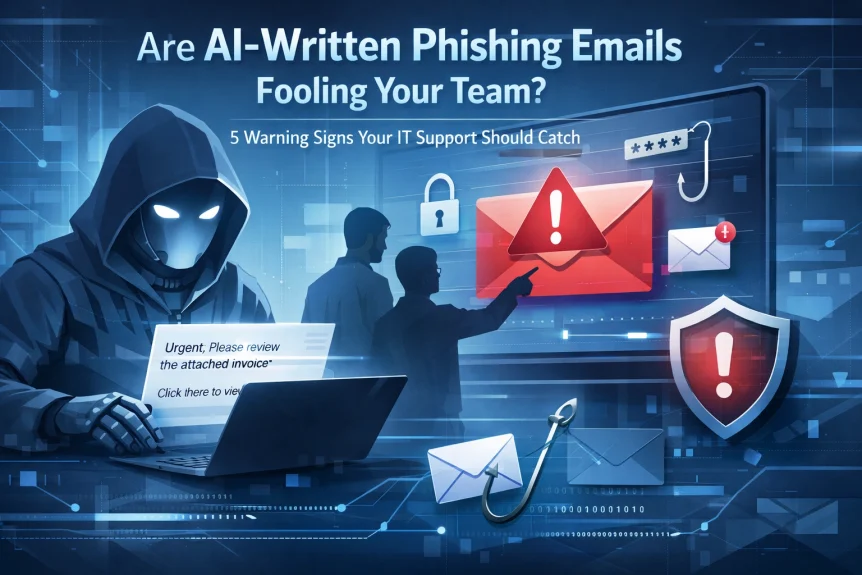
Phishing emails have evolved.
71% of AI-generated phishing attempts go undetected by recipients.
The difference: AI eliminates the broken English and obvious mistakes that used to make phishing emails easy to spot.
Grammar is perfect. Tone sounds natural. Context appears legitimate.
Your team can no longer rely on "it looks weird" as a defense mechanism.
The AI Advantage for Attackers
Traditional phishing emails failed because of obvious errors.
Misspellings. Awkward phrasing. Generic templates.
AI language models eliminate these tells.
ChatGPT and similar tools generate:
- Natural-sounding language
- Proper grammar and punctuation
- Context-aware messaging
- Personalized details scraped from LinkedIn or company websites
The result: emails that pass the "looks legitimate" test.
Warning Sign #1: Odd Timing or Mismatched Communication Patterns
Check the timestamp.
Emails arriving at 3:12 a.m. local time from a colleague who typically works 9-5.
Messages sent during weekends or holidays from vendors who are normally offline.
AI-driven campaigns often ignore time zones and typical business hours.
Also examine tone consistency.
Does your CFO suddenly sound overly formal?
Does a vendor who typically writes casual emails now use corporate-speak?
Grammatically perfect emails that sound unnaturally stiff indicate AI generation.
The sender's natural voice is missing.
Warning Sign #2: Over-Engineered Personalization
Legitimate emails include relevant context.
Phishing emails overdo it.
Red flags:
- Excessive references to recent projects or events
- Rehearsed-sounding mentions of conference talks or meetings
- Unnecessarily specific job titles or organizational details
- Forced context that feels like proof of legitimacy
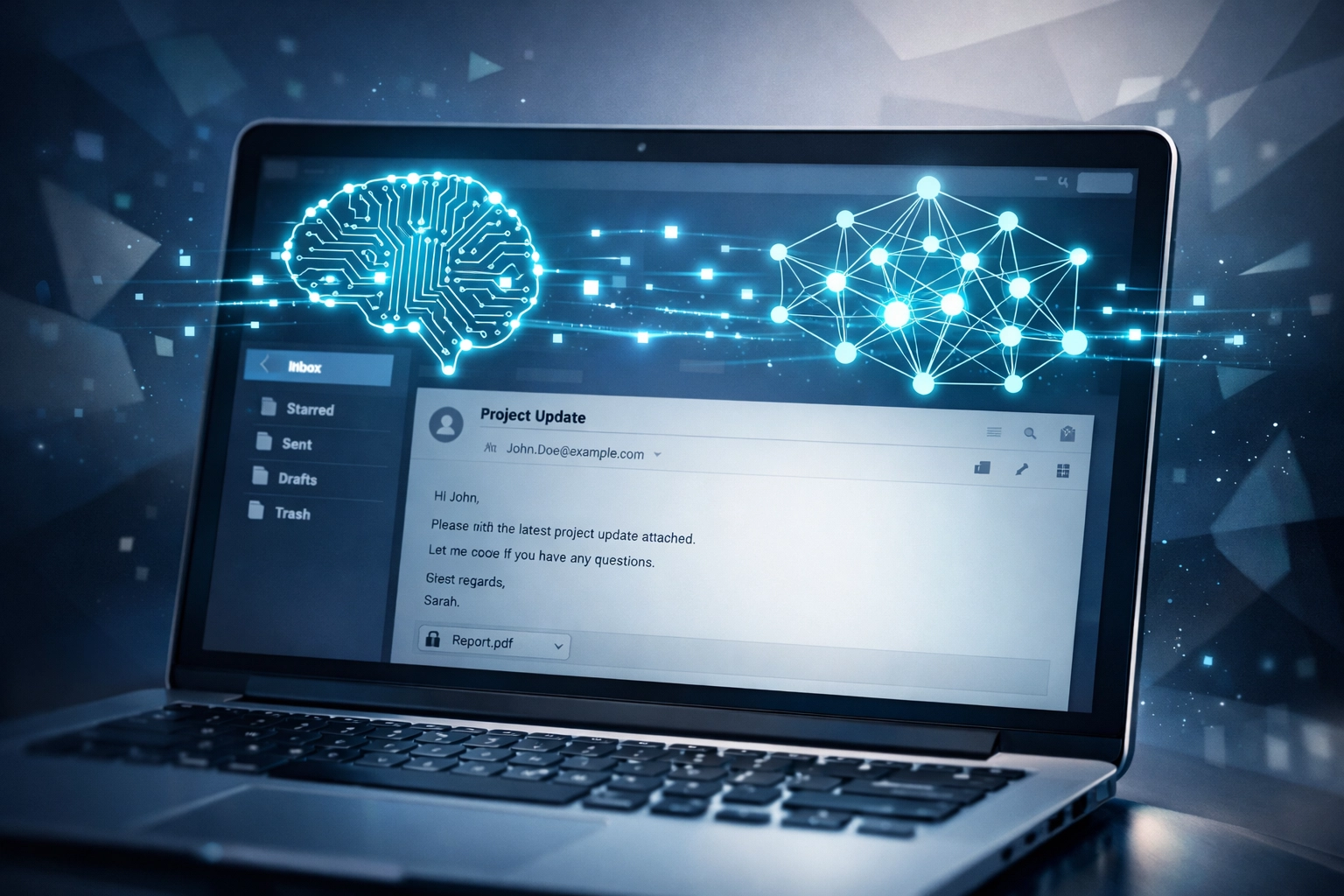
Example: "Hi Sarah, following up on your presentation at the Dallas IT Summit on February 12th regarding cloud migration strategies for mid-market firms…"
Real colleagues don't typically recap entire context in opening lines.
This level of detail signals an attempt to manufacture credibility.
Warning Sign #3: Generic Elements Despite Personalization
The contradiction matters.
Email body includes specific details about your role or company.
But the greeting says "Dear user" or "Dear customer."
Or the signature doesn't match the sender's typical sign-off.
AI tools can scrape personalization data but often default to generic templates for standard email components.
Inconsistency indicates automation.

Warning Sign #4: Engineered Trust-Building Language
Certain phrases serve no purpose except to manipulate.
"Just to confirm…"
"As you might remember…"
"Per our previous conversation…"
"Following up on our discussion…"
When these phrases appear without actual prior context, they're manufactured credibility.
Attackers use them to bypass your skepticism.
The assumption: you'll second-guess your memory rather than question the sender.
If you don't recall the referenced conversation or context, trust that instinct.
Warning Sign #5: Unexpected Requests Regardless of Polish
The appearance doesn't matter if the ask is suspicious.
Focus on what the email wants:
- Urgent wire transfers
- Password resets via embedded links
- Credential verification
- Downloading unexpected attachments
- Sharing sensitive business or financial data
Urgency paired with unusual requests demands verification.
"Your account will be locked in 24 hours unless…"
"This invoice is overdue and requires immediate payment…"
"IT security requires you to verify your credentials by…"
Legitimate urgent matters come through multiple channels, not just email.
What Your IT Support Should Be Doing
Detection alone isn't sufficient.
Managed IT services should implement layered defenses against AI-enhanced phishing.
Email Security Tools
Advanced filtering beyond spam detection.
Systems that analyze:
- Sender authentication (SPF, DKIM, DMARC)
- Link reputation and analysis
- Attachment sandboxing
- Behavioral anomalies in email patterns
These tools flag suspicious messages before they reach inboxes.
Regular Security Training
Monthly or quarterly training sessions.
Not annual compliance checkbox exercises.
Training should include:
- Current AI phishing examples
- Verification procedures before acting on requests
- Reporting mechanisms for suspicious emails
- Consequences of successful attacks
Simulated phishing campaigns test effectiveness.
Results identify which team members need additional coaching.
Multi-Factor Authentication
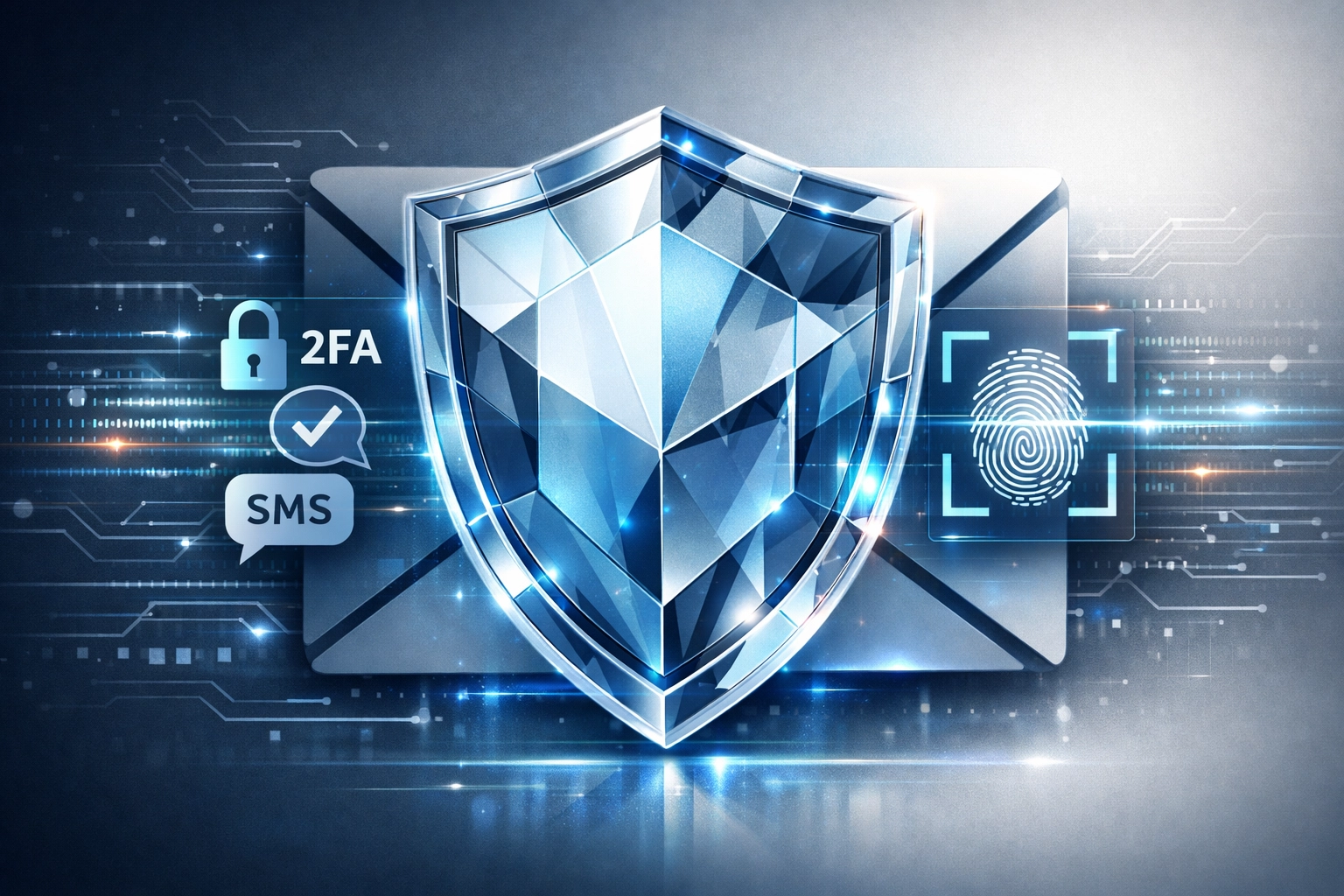
MFA blocks the majority of credential theft attempts.
Even if someone clicks a phishing link and enters their password, attackers can't access the account without the second factor.
Organizations without MFA enabled across all critical systems are exposed unnecessarily.
Recent Microsoft login requirement changes make this more critical than ever.
Verification Protocols
Establish clear procedures for validating unusual requests.
Example protocol for financial requests:
- Receive email requesting wire transfer
- Contact sender via known phone number (not one in the email)
- Verbally confirm the request details
- Document the verification
- Proceed only after confirmation
Similar protocols for:
- IT credential requests
- Vendor payment changes
- Sensitive data sharing
- System access modifications
Endpoint Detection and Response
Email filters aren't perfect.
EDR systems monitor what happens if malicious links or attachments execute.
They detect:
- Unusual process behavior
- Unauthorized data access
- Malware execution attempts
- Network communication anomalies
This provides a safety net when phishing emails bypass other defenses.
The Verification Solution
The simplest defense remains the most effective.
When an email requests action:
Stop.
Use a separate, known communication channel to verify.
Call the sender using a number from your contacts or the company directory.
Send a text message.
Walk to their office.
Never use contact information provided in a suspicious email.
This single step prevents the majority of successful phishing attacks.
Yes, it takes extra time.
The alternative costs significantly more.
Moving Forward
AI-enhanced phishing isn't a future threat.
It's current reality.
Your team's ability to spot "bad English" is obsolete as a security control.
New defenses required:
- Technical tools that analyze beyond surface appearance
- Training focused on behavioral red flags rather than obvious errors
- Verification protocols that assume emails can look completely legitimate
- Layered security that doesn't rely on human detection alone
Your IT support should already have these measures implemented.
If they don't, you're operating with outdated defenses against modern threats.
Need to assess your current phishing defenses? Learn more about managed IT services that include comprehensive email security and training programs.
The question isn't whether AI-written phishing emails will target your business.
It's whether your team will recognize them before they cause damage.