
Category: blog
Network security monitoring is no longer limited to firewall alerts and antivirus notifications.
In 2026, effective monitoring includes:
- Real-time event detection
- Centralized log analysis
- Identity monitoring
- Endpoint telemetry
- Cloud activity monitoring
- Threat correlation
- Incident response
- Continuous tuning
Small businesses require this coverage because attacks are automated, persistent, and often distributed across cloud services, remote endpoints, email platforms, and local infrastructure.
A firewall alone does not provide enough visibility.
The Monitoring Gap
Many businesses have security tools in place.
The gap exists between having tools and monitoring what those tools report.
Common conditions include:
- Firewall logs are stored but not reviewed
- Microsoft or Google audit logs are not enabled
- Endpoint alerts are sent to an inactive mailbox
- Failed login events are not correlated
- Backup systems are not monitored for tampering
- Cloud administrator activity is not reviewed
- Security alerts are checked only during business hours
This creates delayed detection.
Attackers may already have access before an incident is identified.
Research on real-time SIEM monitoring emphasizes centralized event collection, normalization, correlation, and response workflows. Those functions must be connected to an accountable process.
What Proper Monitoring Looks Like in 2026
1. Coverage Across the Environment
Network security monitoring must extend beyond the network perimeter.
Relevant sources include:
- Firewalls
- DNS services
- VPN connections
- Wireless controllers
- Switches and routers
- Servers
- Workstations
- Mobile devices
- Microsoft 365 or Google Workspace
- Cloud infrastructure
- Identity providers
- Backup platforms
- Remote access tools
Each source provides a different part of the event record.
A suspicious login may appear in an identity log.
The related endpoint activity may appear in EDR data.
The outbound connection may appear in firewall or DNS logs.
The complete event is identified only when those records are analyzed together.
2. Real-Time Threat Detection
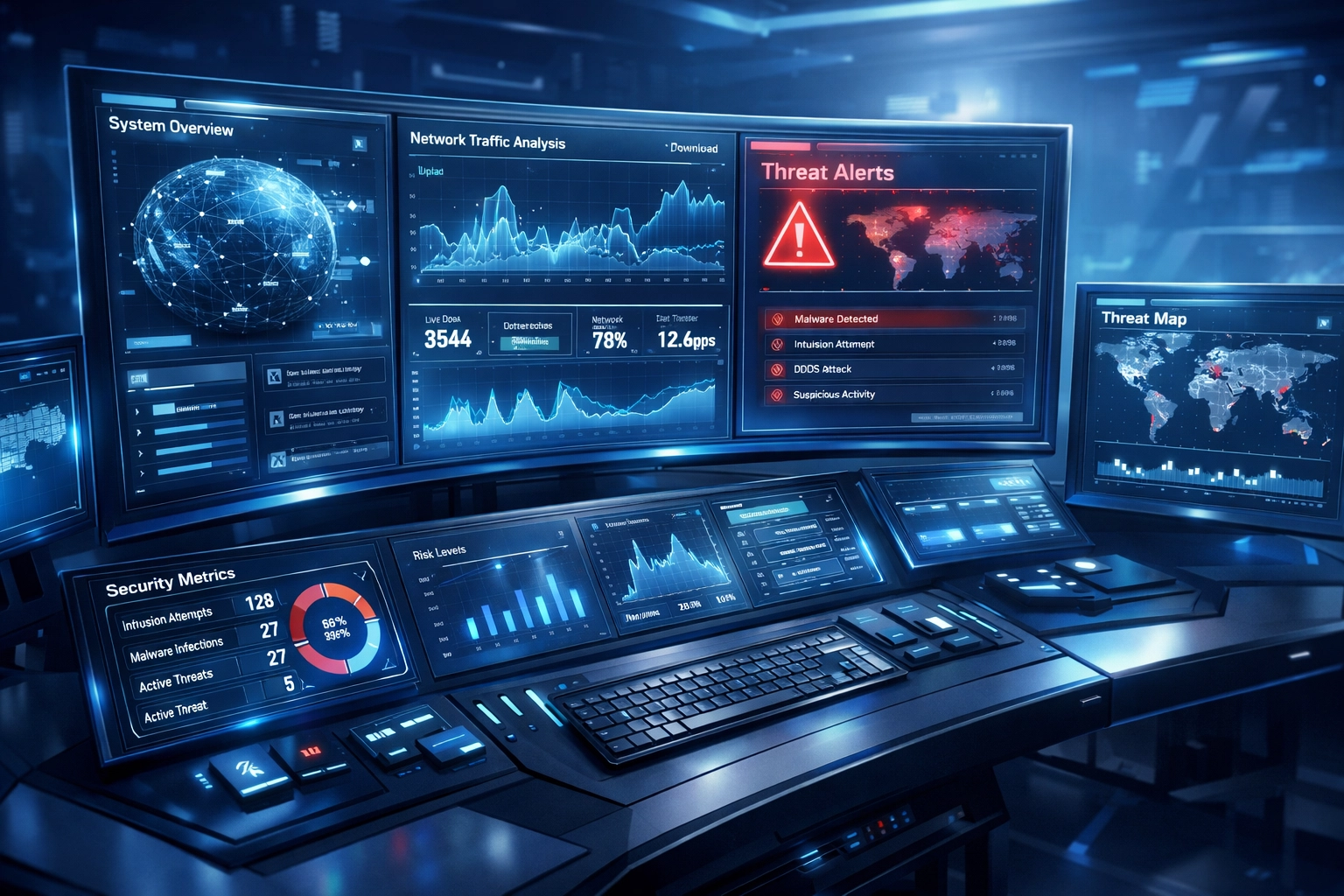
Real-time detection does not mean every alert receives immediate manual review.
Automated systems are used to identify high-risk activity and assign priority.
Examples include:
- Repeated failed logins followed by a successful login
- Sign-ins from unusual locations
- Privilege changes outside approved windows
- New administrator accounts
- Endpoint encryption activity
- PowerShell or scripting activity
- Unusual data transfers
- Communication with known malicious infrastructure
- New remote access tools
- Disabled security services
- Backup deletion or modification
Events are evaluated against rules, baselines, threat intelligence, and asset context.
High-confidence events are escalated.
Low-confidence events are suppressed, grouped, or assigned for review.
This reduces alert volume while preserving visibility.
3. Centralized Log Analysis
Logs are useful only when they can be searched, compared, and acted on.
A centralized SIEM or managed detection platform is used to collect data from multiple systems.
The process generally includes:
- Log collection
- Timestamp validation
- Field normalization
- Asset and user enrichment
- Event correlation
- Detection rule evaluation
- Analyst review
- Response or escalation
- Documentation
Without normalization, one platform may identify a user by email address while another uses a username.
One system may record time in Central Time.
Another may use UTC.
One device may be identified by hostname.
Another may be identified by IP address.
These differences affect detection accuracy.
Logs should be parsed and normalized before detection rules are applied.
Retention should also be reviewed.
Short retention periods can remove the evidence needed to investigate account compromise, lateral movement, or data theft.
High-Value Logs for Small Businesses
A small business does not need to collect every possible event on the first day.
Priority should be assigned to systems that control access, hold sensitive data, or support business operations.
Identity and Authentication
Identity logs show who accessed a system and how access occurred.
Monitoring should include:
- Active Directory
- Microsoft Entra ID
- Google Workspace
- VPN
- SSO
- Remote desktop services
- Privileged accounts
- MFA events
Indicators of concern include impossible travel, password spraying, new MFA devices, unusual administrator activity, and access outside normal patterns.
Endpoint Activity
Endpoint telemetry shows what occurred on laptops, desktops, and servers.
Useful events include:
- Process execution
- Script activity
- Malware detections
- Driver changes
- Registry modifications
- Security service changes
- Local account creation
- File encryption patterns
- USB activity
Endpoint data is often required to determine whether a suspicious login resulted in an actual compromise.
Firewall and DNS Events
Firewall and DNS data provide network context.
Monitoring can identify:
- Outbound connections to malicious domains
- Command-and-control activity
- Unusual ports
- Repeated blocked connections
- New external services
- Large outbound transfers
- Connections from systems that normally remain internal
Internal traffic should also be reviewed where possible.
Lateral movement often occurs after perimeter defenses have been bypassed.
Cloud and SaaS Activity
Cloud platforms are now part of the operating environment.
Audit logs should be enabled for Microsoft, Google, and other business platforms.
Events to review include:
- New administrator assignments
- Mail forwarding rules
- OAuth application approvals
- File-sharing changes
- Bulk downloads
- MFA changes
- Password resets
- New API keys
- Suspicious mailbox access
Cloud activity is often missed when monitoring is focused only on local servers.
Monitoring Is More Than Alert Collection
A notification is not a response.
Proper monitoring includes defined actions for each major detection.
An incident response process should identify:
- Who receives the alert
- Who confirms the event
- Who isolates affected systems
- Who contacts management
- Who preserves evidence
- Who communicates with employees or customers
- Who restores systems
- Who documents the incident
Response actions may include:
- Disabling a compromised account
- Revoking active sessions
- Isolating an endpoint
- Blocking a malicious domain
- Removing unauthorized access
- Restoring affected systems
- Reviewing backup integrity
- Conducting a post-incident analysis
Managed security services should provide clear escalation procedures.
A business should not receive an alert with no assigned owner.
Why Small Businesses Need Continuous Monitoring
Small businesses are frequently operated with limited internal IT staffing.
Security events do not follow business hours.
They occur during:
- Nights
- Weekends
- Holidays
- Employee vacations
- System maintenance
- Staff transitions
A delayed response can allow attackers to move from one endpoint to file servers, cloud accounts, backups, and financial systems.
Continuous monitoring reduces the time between activity, detection, and containment.
It also provides visibility that cannot be created after an incident.
A proactive network security program is built around continuous observation and early remediation rather than post-breach investigation.
Where X-Tek Managed Services Fit
X-Tek provides managed IT support and infrastructure services for small and medium-sized businesses.
We support:
- Network design
- Network equipment
- Network maintenance
- Server maintenance
- PC and Mac maintenance
- Microsoft cloud services
- Google cloud services
- Website security
- Managed DNS
- Backup monitoring
- Remote support
- On-site support
Our business IT services can be used to establish the infrastructure required for security monitoring.
Monitoring begins with an environment review.
We identify:
- Critical systems
- Administrative accounts
- Remote access paths
- Cloud platforms
- Backup systems
- Network segments
- Existing security tools
- Log sources
- Coverage gaps
Logs are then configured for collection and review.
Detection rules are aligned with the business environment.
Alerts are prioritized.
Known-good activity is documented.
Unnecessary noise is reduced.
Events are escalated according to defined procedures.
Security and backup systems are monitored continuously, with remediation performed when issues are identified.

Questions to Ask Your IT Provider
Before selecting a monitoring service, request direct answers.
Is monitoring performed 24/7?
Automated alerts are not the same as staffed monitoring.
Confirm when events are reviewed and when escalation occurs.
Which systems are monitored?
Ask whether coverage includes identity, endpoints, firewalls, DNS, cloud applications, servers, and backups.
How are logs analyzed?
Confirm whether logs are centralized, normalized, correlated, and retained for investigation.
What happens after an alert?
Request the response process.
Determine whether accounts or endpoints can be isolated when required.
How are false positives reduced?
Detection rules should be tuned over time.
Noise should not be ignored or permanently suppressed without review.
Are incidents documented?
Reports should show the event, impact, response, resolution, and recommended changes.
Monitoring Readiness Checklist
Review the following items:
- MFA is enabled for administrative and remote access
- Identity logs are collected
- Endpoint protection is active
- Firewall and DNS logs are retained
- Cloud audit logging is enabled
- Backup changes generate alerts
- Administrative activity is reviewed
- Network segments are documented
- Alert escalation contacts are current
- Incident response procedures are written
- Security tools are tested
- Logs are retained according to operational requirements
- MTTD and response time are measured
- Detection rules are reviewed periodically
Any missing item represents a potential monitoring gap.
What Your Business May Be Missing
Network security monitoring in 2026 requires more than a firewall, antivirus, or occasional vulnerability scan.
The required model includes:
- Broad telemetry coverage
- Real-time detection
- Centralized log analysis
- Identity and endpoint visibility
- Cloud monitoring
- Detection tuning
- Defined response procedures
- Continuous management
Small businesses can implement this model without building an internal security operations center.
The environment can be assessed.
High-value log sources can be prioritized.
Monitoring can be managed.
Response procedures can be documented.
X-Tek provides managed IT services, infrastructure support, security monitoring, and backup oversight for business environments.
Request business solutions information from X-Tek.
Contact Information
Business Solutions Information Request:
https://xtekit.com/business-solutions-information-request/
815-516-8075