
85% of ransomware attacks hit small businesses.
Not Fortune 500 companies with security operations centers.
Small businesses.
The ones using "Password123" and clicking links in emails from "totally-legitimate-microsoft-support@gmail.com."
The Real Problem: Human Error
95% of cybersecurity breaches trace back to human error.
Not sophisticated zero-day exploits.
Not nation-state hackers.
People clicking things they shouldn't. Using passwords they shouldn't. Opening attachments they shouldn't.
Your employees are the weakest link. And ransomware gangs know it.
They don't need to break through firewalls when Susan from accounting will open the door for them.
The Common Vulnerabilities That Get Businesses Ransomed
Weak Passwords
"Summer2023!" is not a secure password.
Neither is "CompanyName1."
Or "Welcome123."
Password reuse across multiple accounts makes it worse. One compromised account becomes ten compromised accounts.
Unpatched Software
Software updates aren't just about new features.
They fix security holes.
Vulnerabilities that ransomware operators actively scan for and exploit.
That Windows update you've been postponing? It patches a critical vulnerability that attackers are already using.
That outdated version of remote desktop software? It's an open invitation.
No Multi-Factor Authentication
Passwords alone don't cut it anymore.
MFA adds a second verification step. Usually a code sent to your phone or generated by an app.
Without it, stolen credentials equal instant access.
We covered the recent Microsoft MFA requirements that took effect this month. Businesses without MFA are now operating outside compliance standards.
Inadequate Email Security
Phishing remains the primary delivery method for ransomware.
Basic spam filters catch obvious threats.
But modern phishing emails look legitimate. They spoof real vendors. They use correct terminology. They create urgency.
Without advanced threat protection, these emails reach inboxes.
No Backup Strategy
Or worse: backups that aren't tested.
Backups connected to the network get encrypted alongside production systems.
Ransomware operators specifically target backup systems.
If backups fail during recovery, the ransom becomes the only option.
Limited Employee Training
Most small businesses don't conduct regular security awareness training.
Employees don't know what phishing looks like.
They don't understand social engineering tactics.
They don't recognize suspicious behavior.
One untrained employee creates risk for the entire organization.
Basic IT vs. Proactive Security Monitoring
There's a massive gap between having "IT support" and having actual security monitoring.
Basic IT Support:
Fixes broken computers.
Resets passwords.
Installs software.
Responds to tickets.
Handles day-to-day operational issues.
Proactive Security Monitoring:
Watches for suspicious login attempts.
Monitors for unauthorized access.
Scans for vulnerabilities continuously.
Patches systems before exploitation.
Reviews security logs daily.
Tests backup integrity.
Simulates attack scenarios.
Updates security policies based on emerging threats.
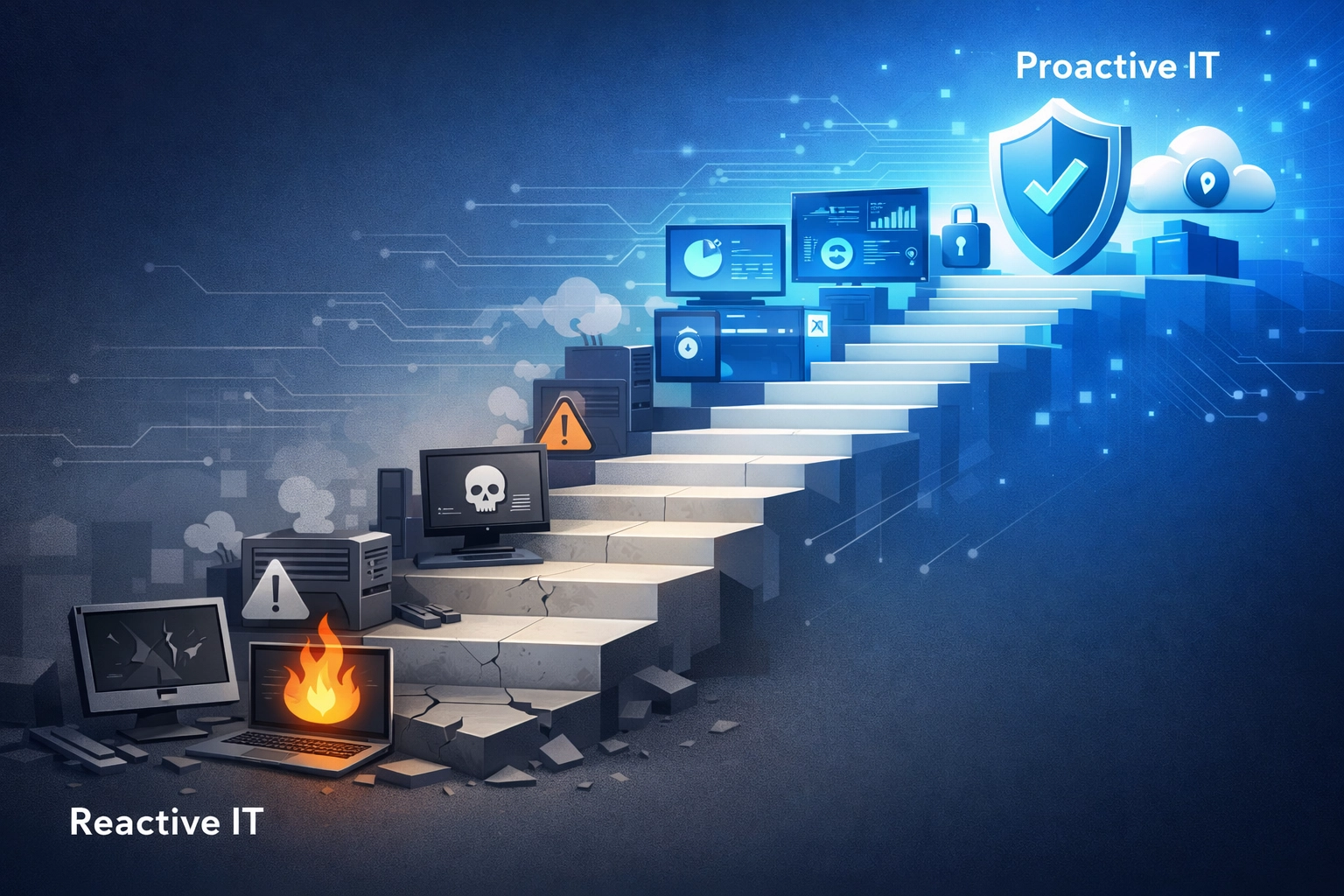
The difference? Basic IT is reactive. Security monitoring is proactive.
Reactive IT fixes problems after they occur.
Proactive security prevents problems before they happen.
Most small businesses have the former. They need the latter.

Why Your IT Provider Should Be Losing Sleep
You're the Entry Point
Large organizations have hardened security.
Small businesses often don't.
Cybercriminals know this.
They target small businesses to reach bigger fish.
The Target breach? Started with a third-party HVAC contractor.
Hackers accessed Target's network through a smaller vendor with weaker security.
If your IT provider manages multiple clients, a breach at one business creates risk for others.
Supply chain attacks exploit these connections.
Public IT Relationships
Business partnerships are often publicly visible.
LinkedIn connections. Vendor listings. Service agreements.
Attackers research these relationships.
They identify which IT provider manages which businesses.
One compromised client becomes a stepping stone to others.
Reputation Damage
A ransomware incident reflects on the IT provider.
Questions get asked:
Why weren't systems patched?
Why wasn't MFA enforced?
Why weren't backups protected?
Where was the monitoring?
The IT provider's reputation takes a hit alongside the client's.
Liability Concerns
Managed service agreements often include security provisions.
If a ransomware attack succeeds due to negligence, liability questions arise.
Were industry-standard protections in place?
Was monitoring actually happening?
Were security recommendations documented and ignored?
These questions matter in legal contexts.
What Needs to Change
Move Beyond Break-Fix
Break-fix IT doesn't prevent ransomware.
It responds after damage occurs.
Security requires continuous monitoring. Not periodic check-ins.
We cover this transition in our post about why small businesses need managed IT services beyond basic help desk support.
Implement Zero Trust Principles
Assume breach.
Verify every access request.
Limit permissions to minimum necessary.
Monitor everything.
Security Awareness Training
Regular training sessions.
Simulated phishing tests.
Clear reporting procedures for suspicious activity.
Ongoing education about evolving threats.
Proactive Patch Management
Automated patching systems.
Testing protocols.
Documented patch schedules.
Vulnerability scanning.
Endpoint Detection and Response
Traditional antivirus isn't enough.
EDR monitors system behavior.
Detects anomalous activity.
Responds to threats in real-time.
Network Segmentation
Separate critical systems from general access.
Limit lateral movement potential.
Contain breaches to specific segments.
Proper Backup Architecture
3-2-1 rule: Three copies, two different media types, one offsite.
Immutable backups that can't be encrypted.
Regular restoration tests.
Automated backup monitoring.
You can review our comprehensive guide on proactive network security for additional implementation details.
The Bottom Line
Human error causes 95% of breaches.
Small businesses get hit because they're easy targets.
Basic IT support doesn't stop ransomware.
Proactive security monitoring does.
Your IT provider should be implementing these protections.
Not just responding to incidents after they occur.
If your current IT setup focuses on break-fix services without continuous security monitoring, you're vulnerable.
The question isn't if you'll be targeted.
It's when.
And whether your defenses will hold.
We implement proactive security monitoring for businesses that can't afford downtime or data loss.
Learn more about our services or contact us to discuss your current security posture.